- 52 -
Film & TV Surround Sound Modes
Surround Sound Modes for Film & Broadcast TV
The following modes are designed for reproduction of movies that are encoded in Dolby Pro
Logic or for viewing Pro Logic TV, cable, and satellite broadcasts.
Pro Logic, 3 Ch Stereo, & 5 Ch Bypass
While ADA does not recommend using the SSD-66 (5.1) with speaker systems that do not
include a center channel speaker, Phantom and Phantom Plus modes are available to pro-
vide center channel information to the front left and right speakers.
Pro Logic Mode
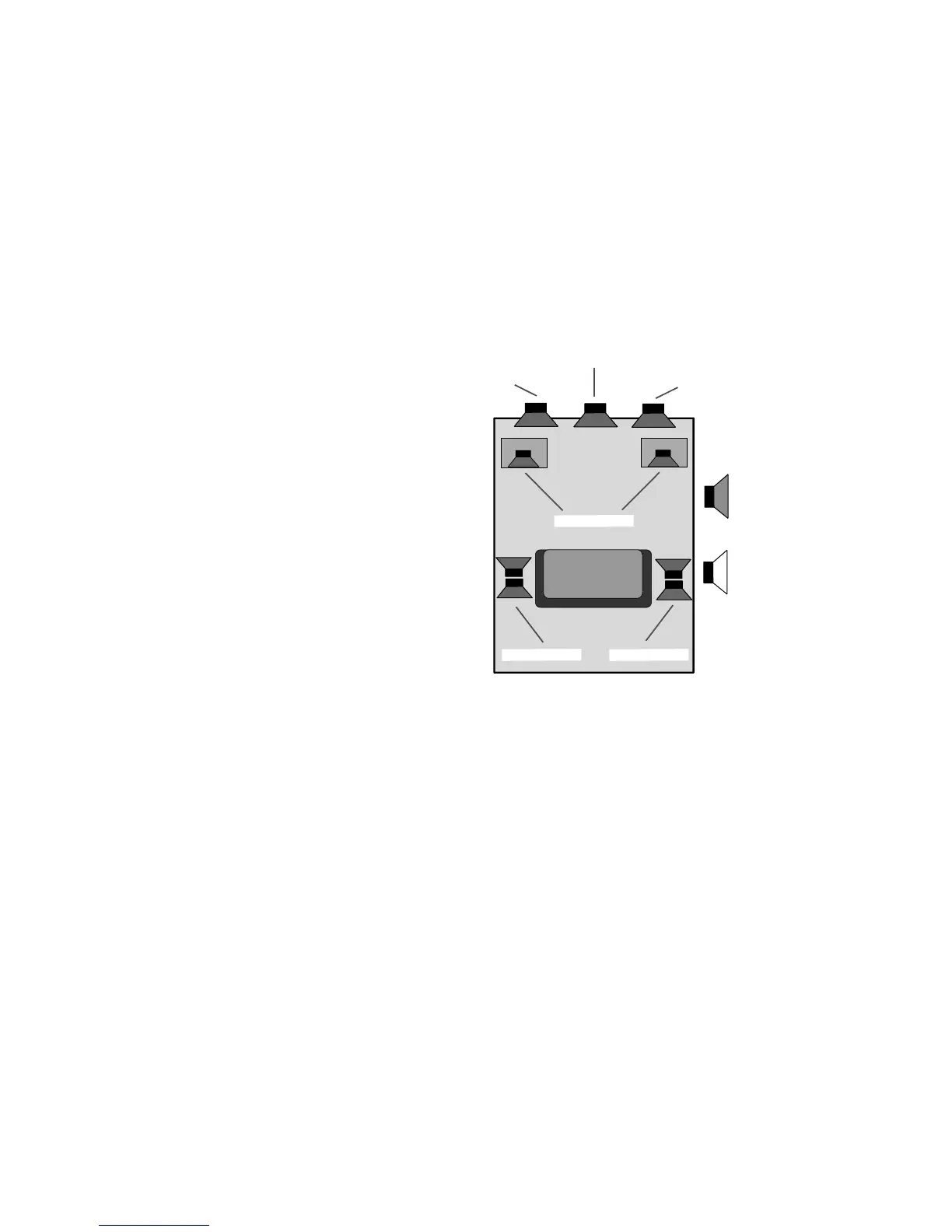
Pro Logic is a widely used decoding format and is
implemented on most film VCR tapes and laser
discs, and movie broadcasts via satellite, cable,
as well as off-air TV. Even some recorded musi-
cal material is encoded in Pro Logic. Pro Logic is
based on a two channel (right & left) stereo mix,
with a separate encoded center channel mix (nor-
mally for dialog) and surround channel mix. While
a typical Pro Logic home theater will use two sur-
round channel speakers (right & left), the surround
channel information is mono and thus, both the
right and left surround speakers receive the same
information. When the SSD-66 (5.1) is in a Pro
Logic mode, all speakers will be active as is the
subwoofer.
While in the Pro Logic mode, the surround channels will also have a Rear Channel Noise
Reduction filter fixed in the on position. This filter is designed to elliminate the higher frequen-
cies by cutting off the bandwidth of the surround channels at 7,500 Hz. Thus, the surround
channels in Pro Logic receive a bandwidth of 20 Hz to 7,500 Hz rather than the full audible
bandwidth of 20 Hz to 20,000 Hz.
The Pro Logic mode has one optional filter in addition to the variable Acoustical Parameters
set for each Input Label. This is the Auto Balance filter which can be set to either on or off.
When the Auto Balance filter is on, the right and left channel input levels will automatically
balance within 3 dB of each other. To set the Auto Balance feature when in the Pro Logic
mode:
Step 1 Repeatedly press the SETUP MODE button until the display reads either "AUTO
BAL ON" or "AUTO BAL OFF".
Step 2 Use the VOL UP or VOL DN buttons to change between the two Auto Balance
settings (on or off).
Step 3 Press the INPUT SELECT button to exit the programming mode.
FRONT (LEFT)
FRONT (RIGHT)
CENTER
SUBWOOFERS
SUR. (RIGHT)SUR. (LEFT)
SPEAKER ON
SPEAKER OFF



 To Next Page