- 28 -
Global Setup (cont.) - Front Channel Setup - Option 3
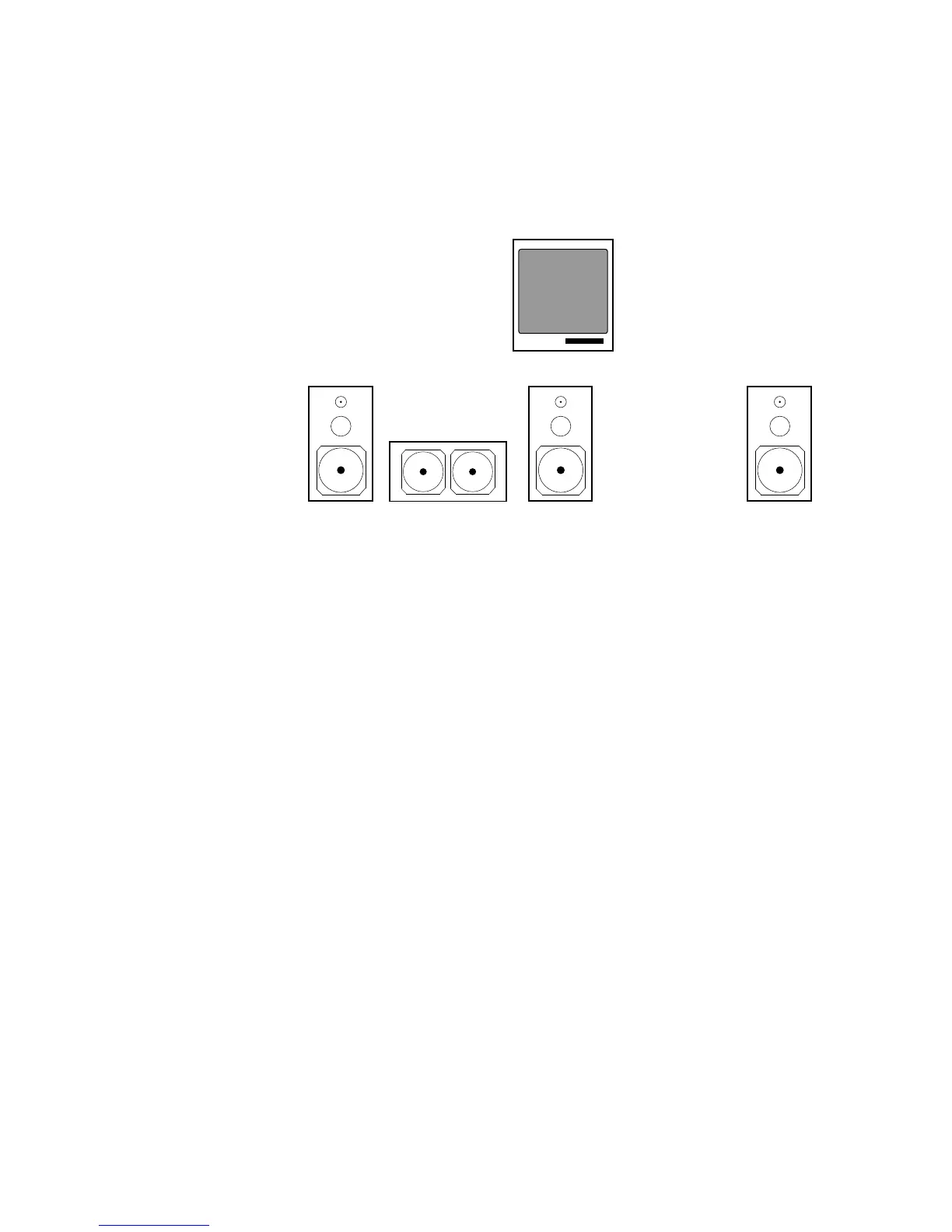
OPTION THREE - Large Center & Large Right/Left Speakers
For the best results, three identical loudspeakers should be used for the center, front left, and
front right channels. When these speakers are larger full-range speakers, capable of han-
dling low bass frequencies, there is no need to engage the 80Hz Cutoff Filter for any of these
speakers. Thus, when using
this speaker placement op-
tion, the center, front right,
and front left speakers will re-
ceive full bandpass and full
bass response information.
Please note, the location of
the subwoofer will vary de-
pending on your room's lay-
out. Most commonly, the
best responce from a
subwoofer occurs when the
speaker is position in a cor-
ner.
In this option, you will want to make certain that the 80Hz Cutoff filter for these channels are
off.
Step 4 Press the SETUP MODE button. Please note, the SSD-66 (5.1) will automatically
time-out of the "Setup Mode". If this happens, press the SETUP MODE button
again.
Step 5 Repeatedly press the CENTER button until the display reads "LARGE SPKR".
Step 6 Repeatedly press the RIGHT button until the display reads "LARGE SPKR".
Step 7 Press the INPUT SELECT button to exit the "Setup Mode".
At this time, you have set the 80Hz cutoff filter in the "off" position for the center channel and
in the "off" position for the front right and left speakers. You can now proceed to the next
section describing surround speakers and subwoofers.
L
C
R
SUBWOOFERLarge Speaker Large Speaker Large Speaker



 To Next Page