EasyManua.ls Logo

ADC PHASE 6 OPL - Default Chapter; Entering and Exiting Program Mode

ADC PHASE 6 OPL
68 pages
Print Icon
To Next Page IconTo Next Page
To Previous Page IconTo Previous Page
Loading...
29
REAdY
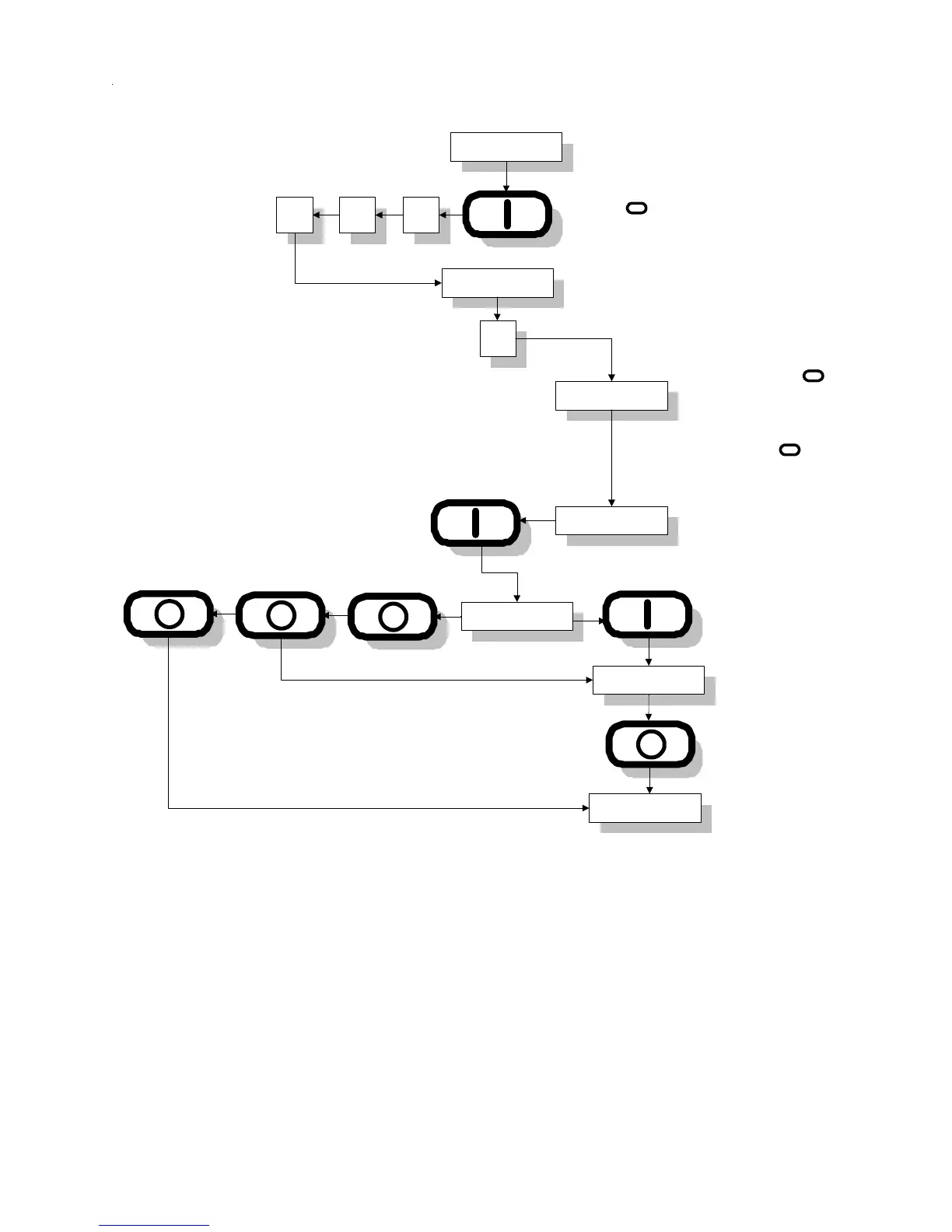
Entering and Exiting Program Mode
000
PROGRM
B
PROGRM
REAdY
To procede to next
program to be changed.
To exit program mode.
The ENTER/START
Key scrolls through the
parameters the "0" Key
Toggles the parameter
selections and the
ENTER/START Key
locks them into the
program.
System parameter program
location to be changed
Preprogrammed cycle
to be changed
Enter program to be
changed by pressing
appropriate key.
Program Mode
To enter program mode, press the "ENTER/
START" Key once, and immediately press
the "0" Key three (3) times within two (2)
seconds.
Last Parameter Changed
Auto
A 05
b 75
I
I
I

Table of Contents