40
No
ROTATE SENSOR
ROTATE SENSOR
ACTIVE
0
0
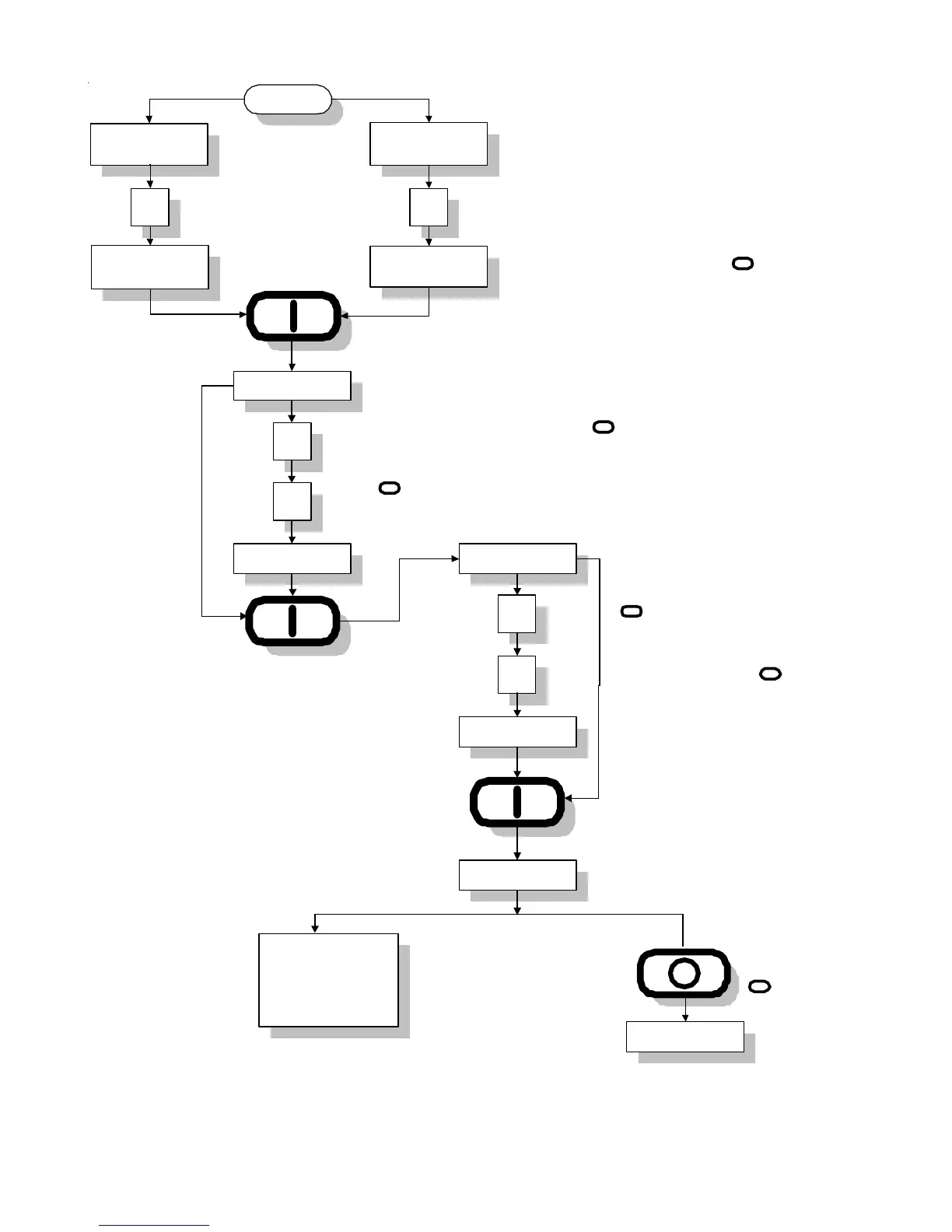
Display will read "ROTATE SENSOR ACTIVE" or
"No ROTATE SENSOR." Press "0" Key to
toggle between ROTATE SENSOR ACTIVE and
No ROTATE SENSOR. If no change is
necessary, press "ENTER/START" Key.
Continued
Rotational Sensor
A 05
0
5
A 05 b 65
5
6
b 56
PROGRM
Slect next program
change
REAdY
To exit press
"CLEAR/STOP"
Key.
Offset Factor.
If no change press "ENTER/START"
Key. If a change is necessary,
enter Factor "b" change (1 to 99 in
increments of 1). I.e., for Factor 56,
press Key "5", Key "6" , and then
press "ENTER/START" Key.
Slope Factor.
If no change press "ENTER/START" Key. If a
change is necessary, enter Factor "A" change
(1 to 9 in increments of 1). I.e., for Factor 5, press
Key "0", Key "5", and then press "ENTER/START"
Key.
No
ROTATE SENSOR
ROTATE SENSOR
ACTIVE
O
I
I
I
I
I



 To Next Page