43
Continued
SPIN
060 S
TIME
0
7
0
Continued
STOP
05 S
TIME
0
7
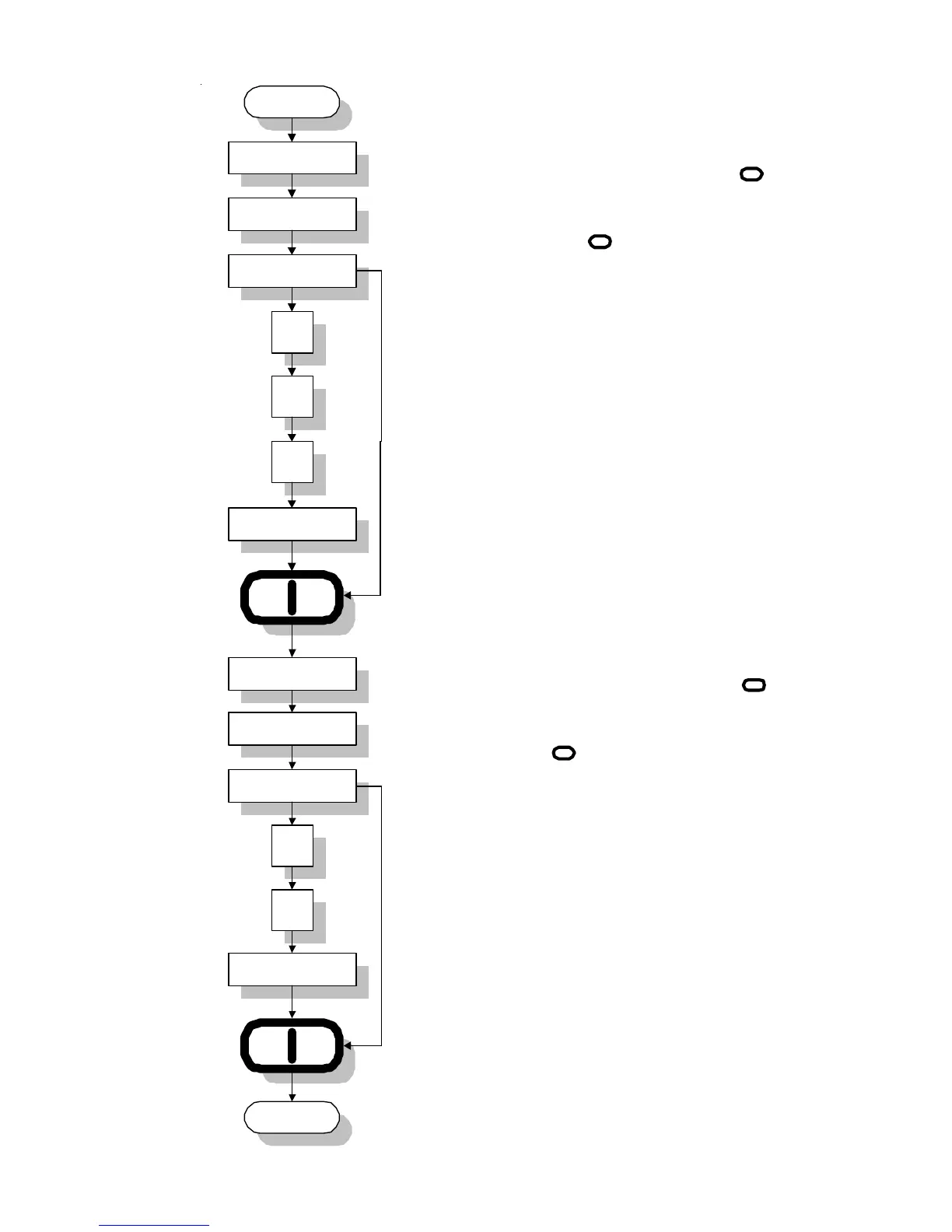
Display will read "STOP" for 1 second and "TIME" for
1 second. If no change, press "ENTER/START"
Key. If change is necessary, enter time change (5 to
10 seconds in increments of 1 second). I.e., for 7
seconds, press Key "0", Key "7", and then press
"ENTER/START" Key.
Display will read "SPIN" for 1 second and "TIME" for 1
second. If no change, press "ENTER/START"
Key. If change is necessary, enter time change (30 t
120 seconds in increments of 1 second). I.e., for 70
seconds, press Key "0", Key "7", Key "0", and then
press "ENTER/START" Key.
07 S
070 S
I
I
I
I



 To Next Page