45
REAdY
Preprogram Location 0
No Cycle In Progress
000
PROGRM
ANTI WRINKL
GUARd ACTIVE
NoANTI WRINKL
GUARd
0
ANTI WRINKL
GUARd ACTIVE
or
0
0
NoANTI WRINKL
GUARd
0
2
bUZZ
NobUZZ
0
bUZZ
or
0
NobUZZ
ONTIME
20 S
1
5
Continued
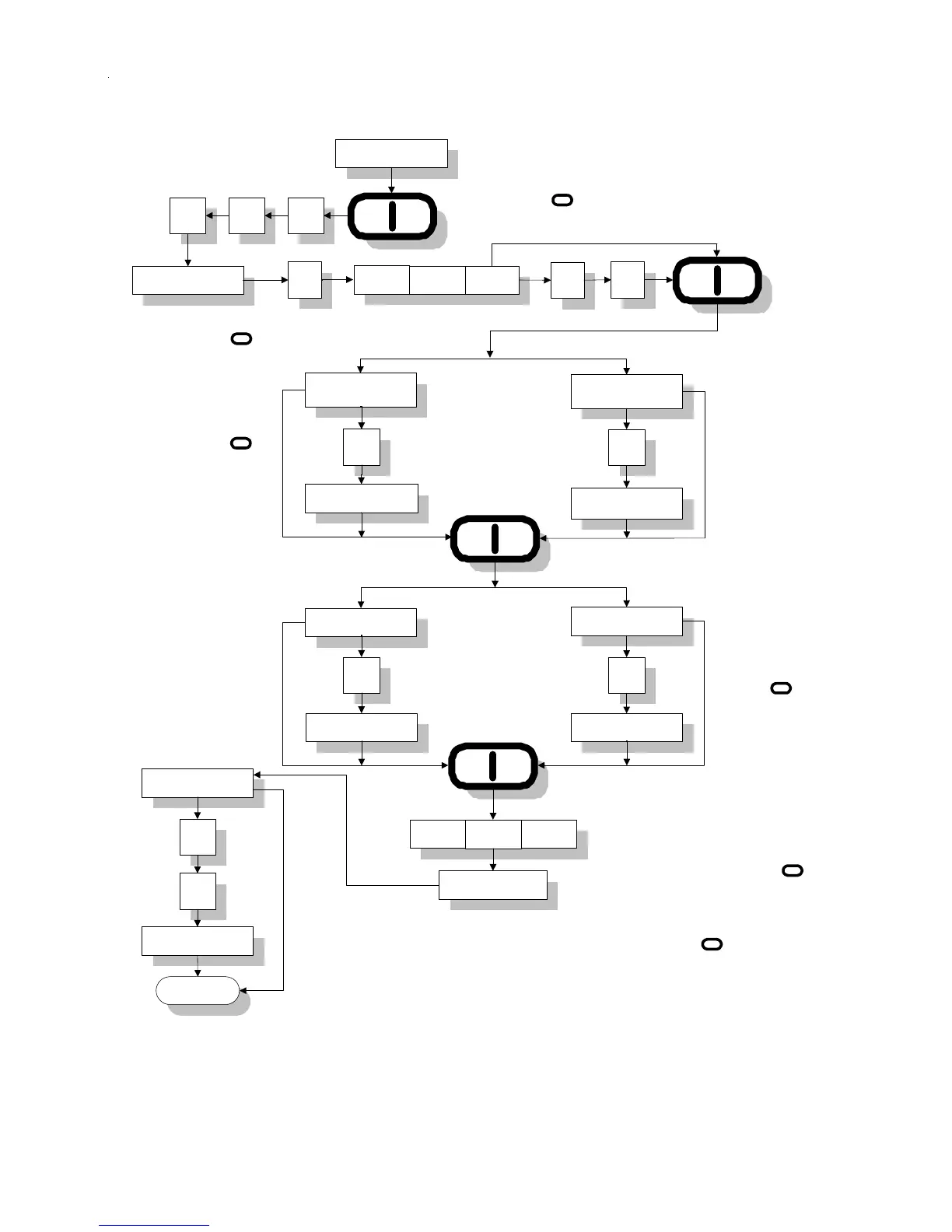
Display will read "ANTI" for 1 second,
"WRINKLE" for 1 second, "GUARD" for 1
second and ONTIME for 1 second. If no
change, press "ENTER/START" Key.
If a change is necessary enter time
change (10 to 60 seconds in 1 second
increments). I.e., for 15 seconds, press
Key "1", Key "5", and then press
"ENTER/START" Key.
If no change press
"ENTER/START"
Key. If a change is
necessary enter lint
count change (1-10 in
increments of 1). I.e., for
lint count 02, press Key
"0", Key "2", and then
"ENTER/START"
Key.
ANTI WRINKL GUARd
15 S
LINT
COUNT 03
I
I
I
I
I
To enter program mode, press the "ENTER/
START" Key once, and immediately press
the "0" Key three (3) times within two (2)
seconds.
Display will read "bUZZ" or
"No bUZZ". Use the "0"
Key to toggle between
"bUZZ" and "No bUZZ".
Press the "ENTER/
START" Key if no
change is required.
I



 To Next Page