16
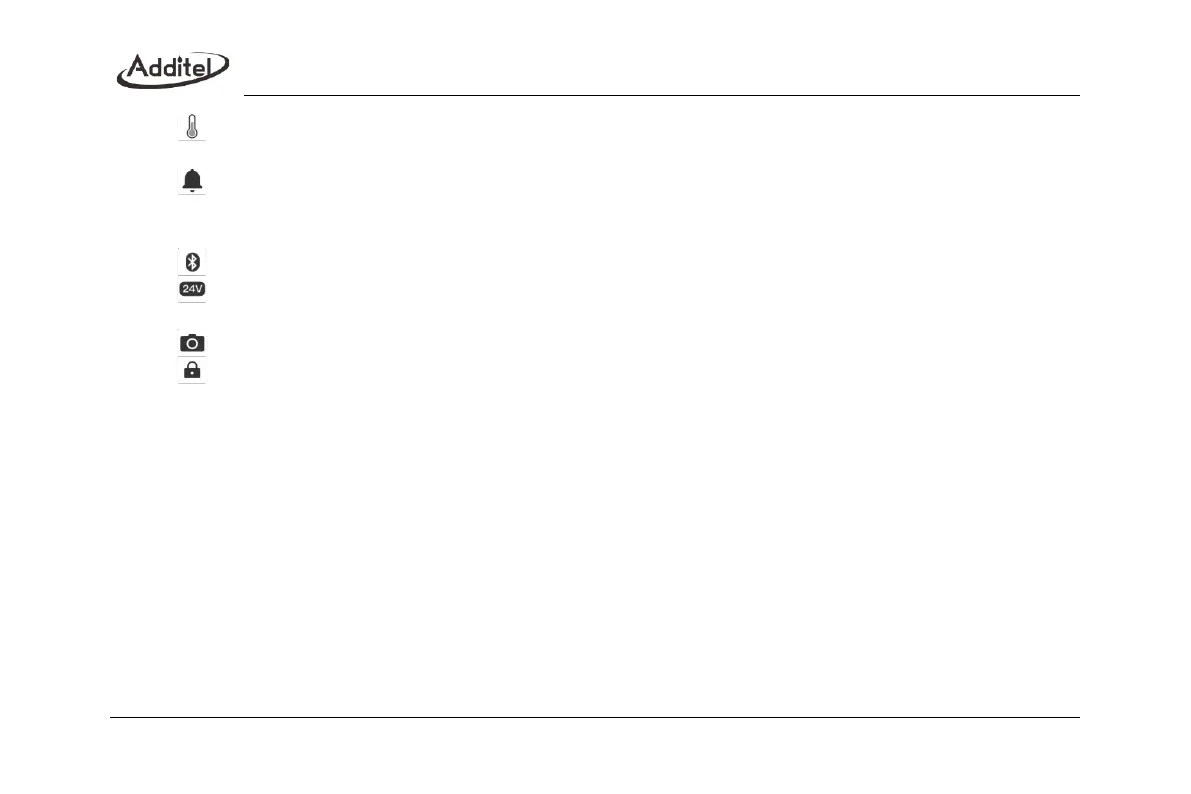
: Internal temperature icon, which displays the ambient temperature in the device, click to modify the
temperature unit. This function is used for compensation temperature and not process temperature.
: Notification center icon, when there is an abnormal message notification, there will be a red dot on the icon
to remind you, click to enter the notification center, and the received abnormal notification information will be
displayed
;
: Bluetooth icon, display the status of Bluetooth, click to turn off/off Bluetooth
;
: 24V power supply icon, display the 24V power supply status, click to turn on/off the 24V power
supply(ADT673 only)
: Snapshot icon, click to take a screenshot of the current screen
;
: Screen lock icon. After clicking the lock screen operation, it will enter the lock screen state. The rest of the
screen is unavailable except for the unlock key. You need to click the unlock icon at the top of the screen to unlock
;



 To Next Page