33
3.1.4 Acloud Service
This setting is only provided when the optional module is a WIFI module, and the device can access ACloud cloud
service through Wi-Fi wireless communication. Through the Additel Link APP, users can monitor the real-time operating
status and data of the equipment anytime and anywhere, remotely control the equipment, and improve work efficiency.
1. Open
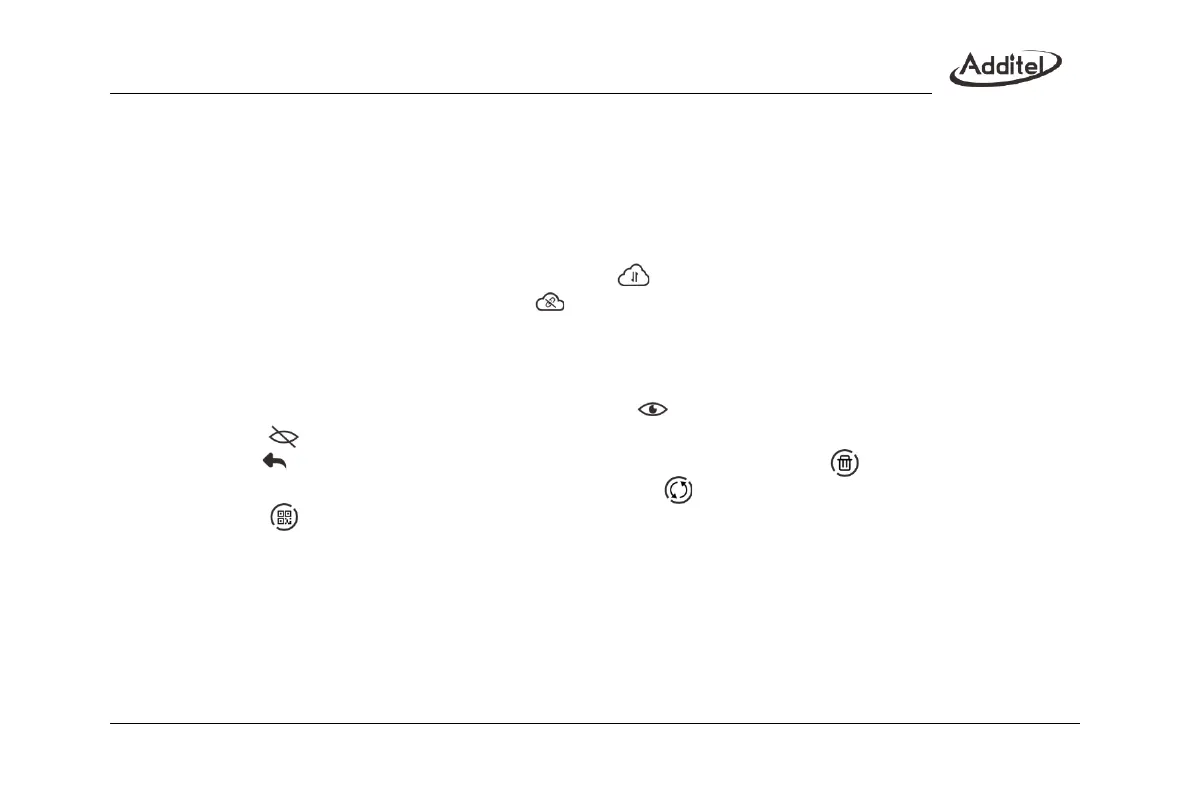
When the service is not enabled, the cloud service status is empty; when the service is enabled, the cloud service
is working normally, and the cloud service status icon is ; when the service is enabled but the cloud service is
not successfully connected, the status icon is .
2. Additel Link
Additel Link is used to display the basic information of the organization and user monitoring the current device,
including the name of the organization, the username that has the authority to monitor the device, the registered
email address and whether it is currently being monitored. means that the user is monitoring the current
device, and means that it is not in the monitoring state.
The button on the right side of the page returns to the upper page. The button is used to cancel the
binding relationship between the organization and the device, to manually refresh the organization and user
information, to display the QR code, and to bind the organization (after the APP scans the QR code, the QR
code will It disappears automatically, or you can manually click the QR code to close it. When scanning the code
to bind the relationship, you need to open the QR code).
3.2 Personalization
3.2.1 Custom Units
The device provides five custom units to be edited. The unit being used cannot be edited.



 To Next Page