35
3.2.5 Language
The device provides a multi-language user interface. Use this menu to change from the provided languages.
After the language is selected, the device needs to be restarted for the changes to take effect.
3.2.6 Display Orientation
The direction of display is adjustable for different direction of mounting.
3.3 System Service
3.3.1 System Calibration
The device provides function of calibration. Users need to enter a password to enter the system calibration page,
and the factory default password is 123456. The following information is general information of the calibration page.
3.3.1.1 General Information
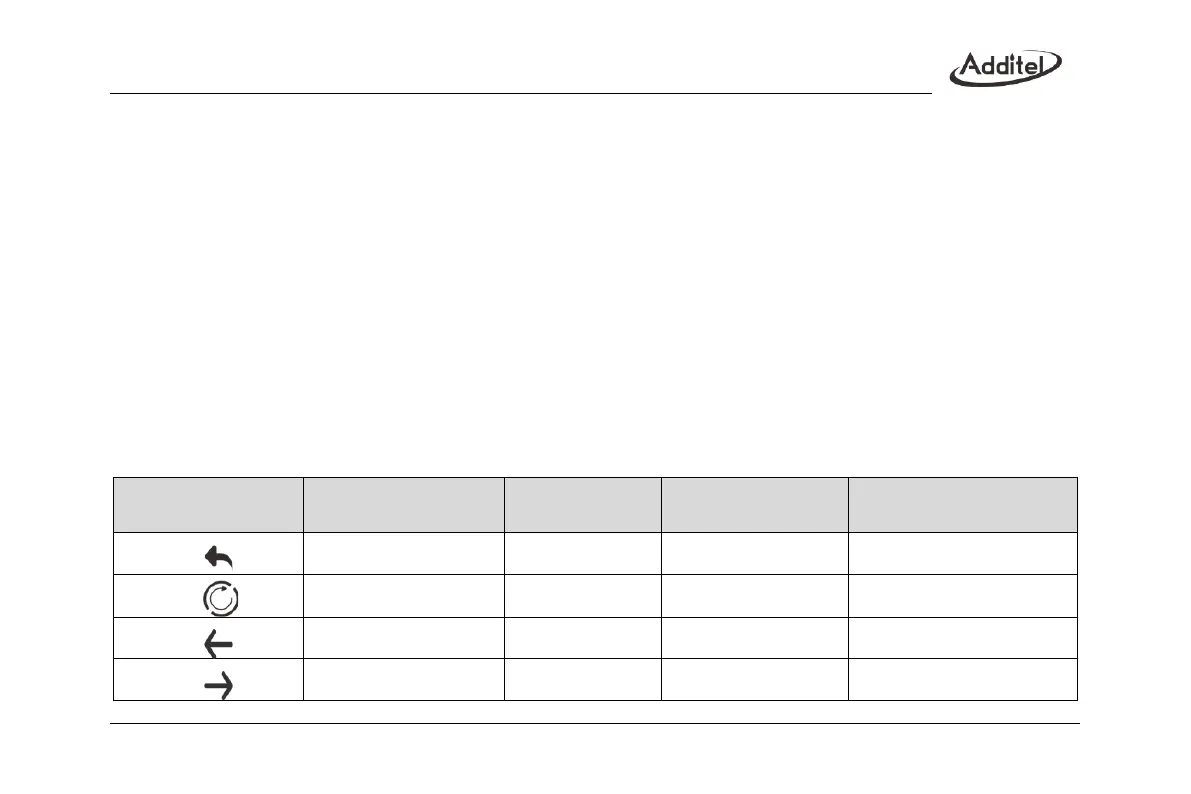
On the right side of electrical calibration page, there will be following icons:
Table 19 Calibration icon description



 To Next Page