3.3.1.2 Pressure Calibration
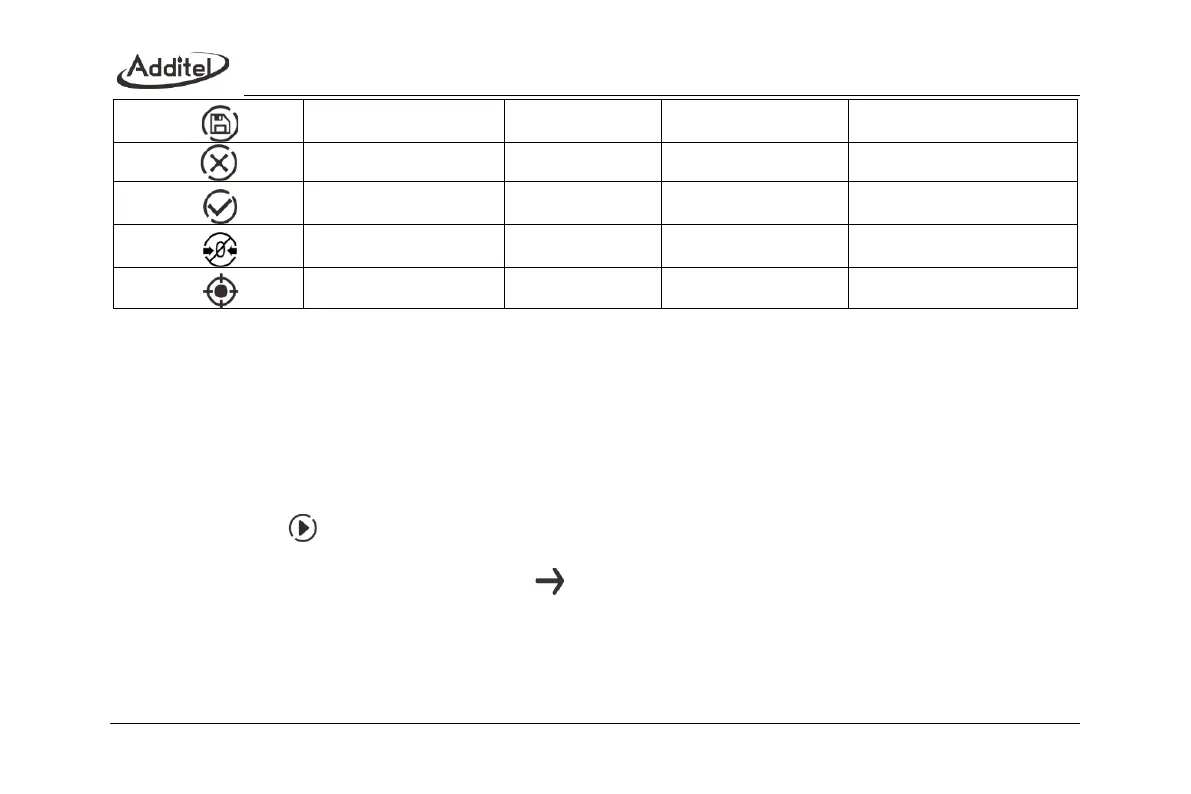
1. Cancel zeroing
Cancel the recorded zero data.
2. Multi-point calibration
a. Connection
Connect the calibrator with external pressure source and reference pressure standard.
b. Perform calibration
◆ Click on to perform calibration.
◆ Connect the calibrator with external pressure source.
◆ After the pressure is stabilized, click on to go to next point;
◆ Adjust the gauge output value to the same as the setpoint being calibrated;
◆ If the measured value has big difference with the calibration point, there will be notice by RED;
◆ If the calibration point has big difference with the measured value, there will be a notice, but it does not
influence taking effect.



 To Next Page