15
2.2 Control Center
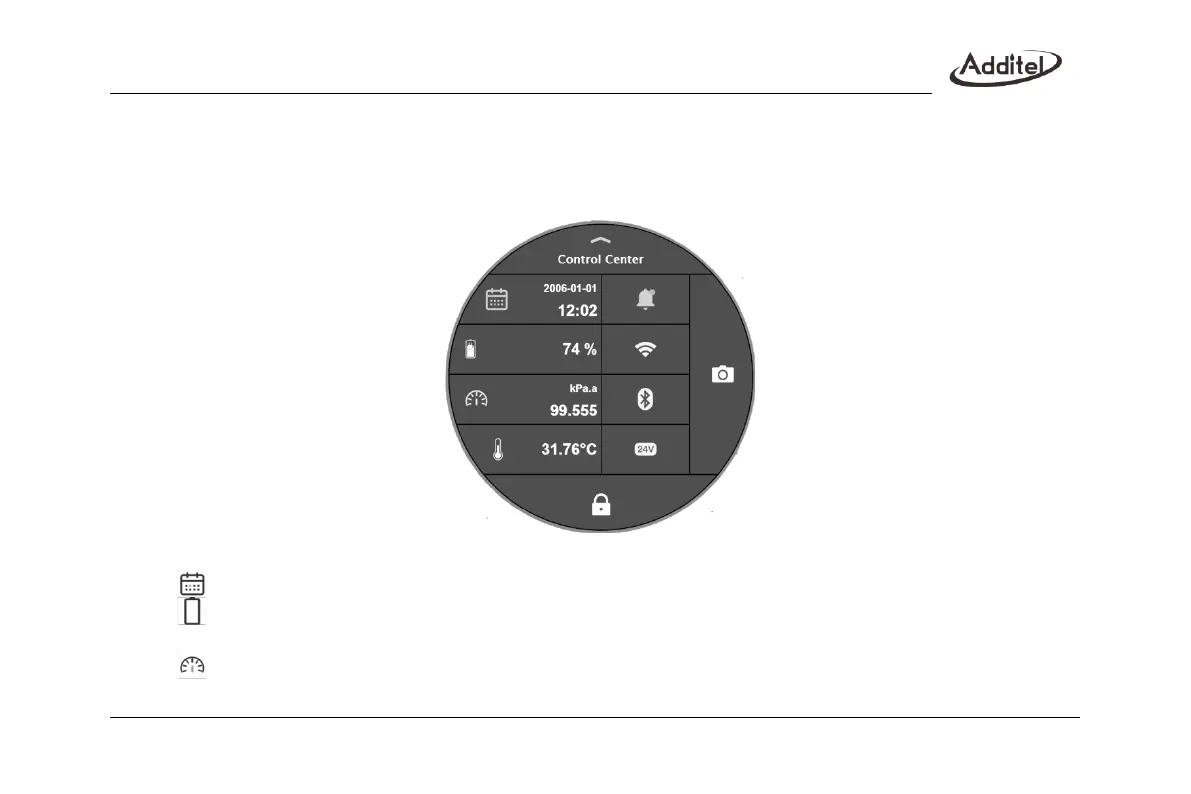
Click on the status bar at the top of the interface to pop up the control center interface, as shown in Figure 3. The
control center provides quick viewing of various commonly used information and shortcut operations
Figure 3 Control Center
: Time and date icon, showing the system date and time, click to modify the time and date
;
: Battery icon, showing the remaining battery power, click to modify the charging mode when plugging the
adaptor
;
: Atmospheric pressure icon, showing the current atmospheric pressure value, click to modify the
atmospheric pressure unit
;



 To Next Page