30
After selecting "Restore Factory", a prompt will appear asking "Are you sure to restore the sensor factory
calibration?” click on the screen to execute the factory restore command. After success, the
transmitter's high and low point adjustment values will be restored to the factory adjustment state.
3 . Setting
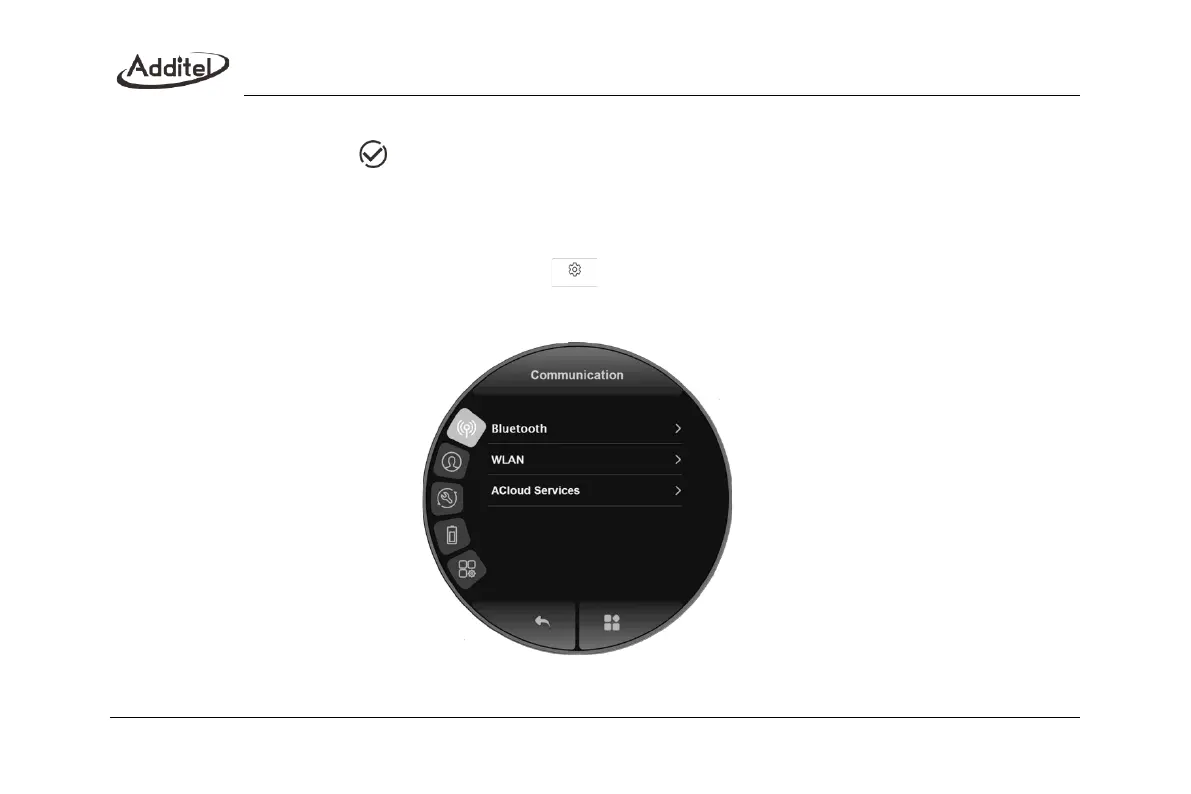
Enter the function menu interface by clicking the menu bar at the bottom of the main interface, select the system
setting button in the function menu interface, and click to enter the system setting interface, as shown in Figure
10. This interface includes "communication settings", "personalization", "system service", "battery information", and
"product information".
Figure10 System setting interface



 To Next Page