43
Select in the type list, input gauge information in order.
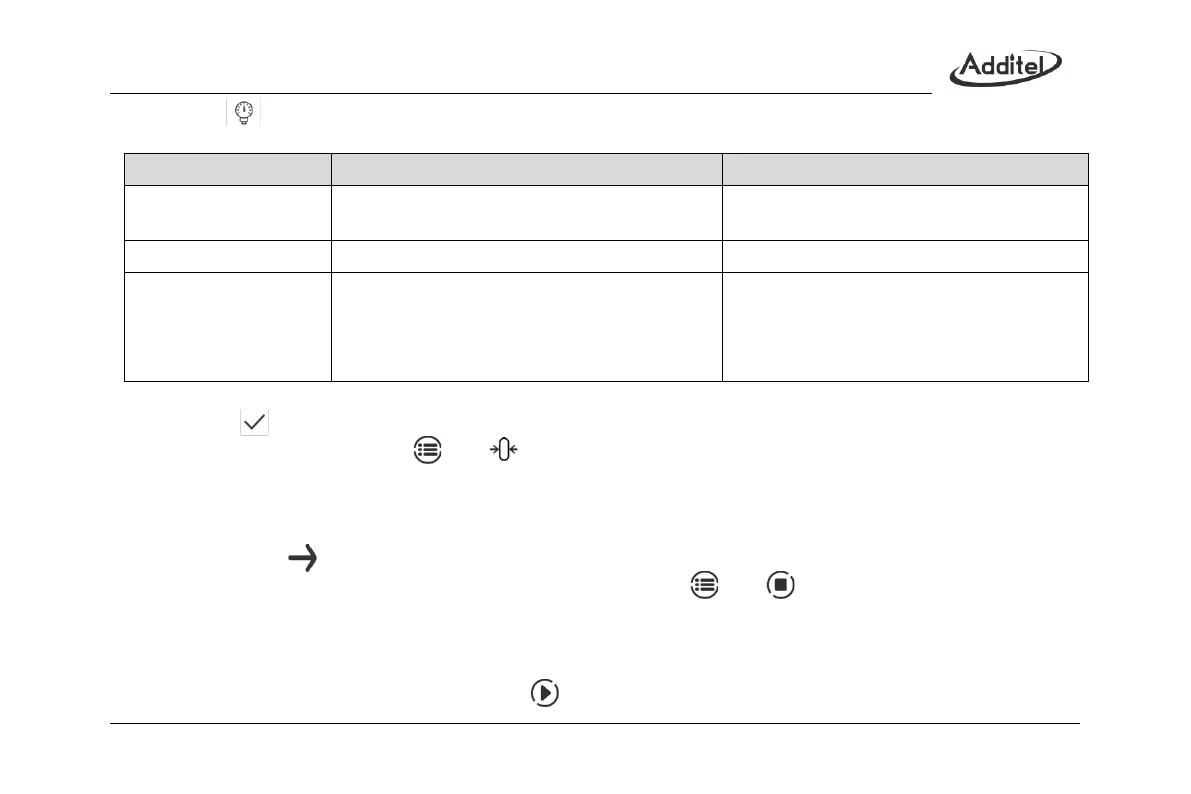
Table 20 Information of pressure dial gauge task
Gauge pressure, absolute pressure
The type of calibrated gauge, view support
information according to calibrator’s model
Depends on the pressure gauge
The scale and unit of calibrated gauge
0.06%、0.1%、0.16%、0.25%、
0.4%、0.6%、1%、1.6%、2.5%、4% and custom
Gauge accuracy. The value entered in custom
option indicates the gauge’s accuracy, for
example input 1.5 for 1.5 level gauges, it means
a range of (0.001~100)%
3. Task start
Click on to start the task:
(1) Before calibrating, click on and to zero the pressure module;
(2) Calibration process:
1) After controlling the pressure to the first calibration point and allowing for stability, click on the top and input
the gauge reading. (The calibrator can infer the gauge reading based on the standard if desired)
2) Click on to go to next calibration point;
3) Repeat the above steps until finish the calibration. Click on and to stop and finish the calibration.
4. Finish task
The calibrator provides data review, sorting and storage functions for the calibration task
(1) After finishing the task, user can view the task result through the task data.
(2) User can quit the task data by clicking on and perform the task again.



 To Next Page