Check the following steps and more information from Github:
https://github.com/oblique/create_ap
Downloadthe code from Github to a local path for installation:
git clone https://github.com/oblique/create_ap
cd create_ap
sudo make install
Install the dependent libraries:
sudo apt-get install util-linux procps hostapd iproute2 iw haveged dnsmasq
Add the RPi Car program to auto-start
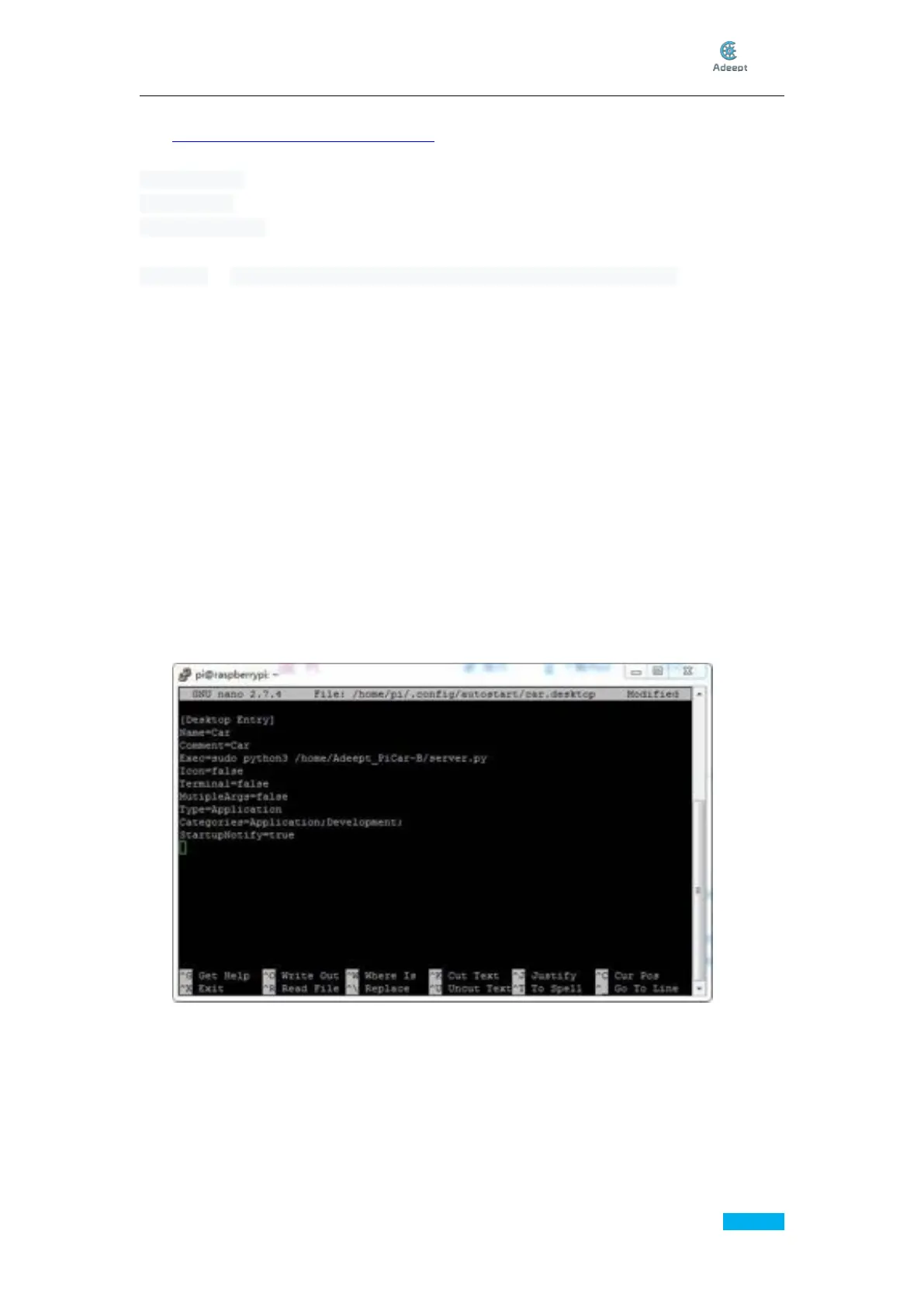
Creat a car.desktop to add the RPi Car program to auto-run
sudo nano /home/pi/.config/autostart/car.desktop
Add
[Desktop Entry]
Name=Car
Comment=Car
Exec=sudo python3 /home/Adeept_PiCar-B/server/server.py
Icon=false
Terminal=false
MutipleArgs=false
Type=Application
Catagories=Application;Development;
StartupNotify=true
Then press Ctrl + X to exit editing



 To Next Page