3. Software & Hardware
3.1. Software Installation
Install the Raspbian Operating System
First, install the operating system for the Raspberry Pi. The official system, Raspbian, is
recommended. If you've finished the installation and the system works well, you may skip
this step.
You need to download the Win32 Disk Imager and burn the operatingsystemtotheSD
card.
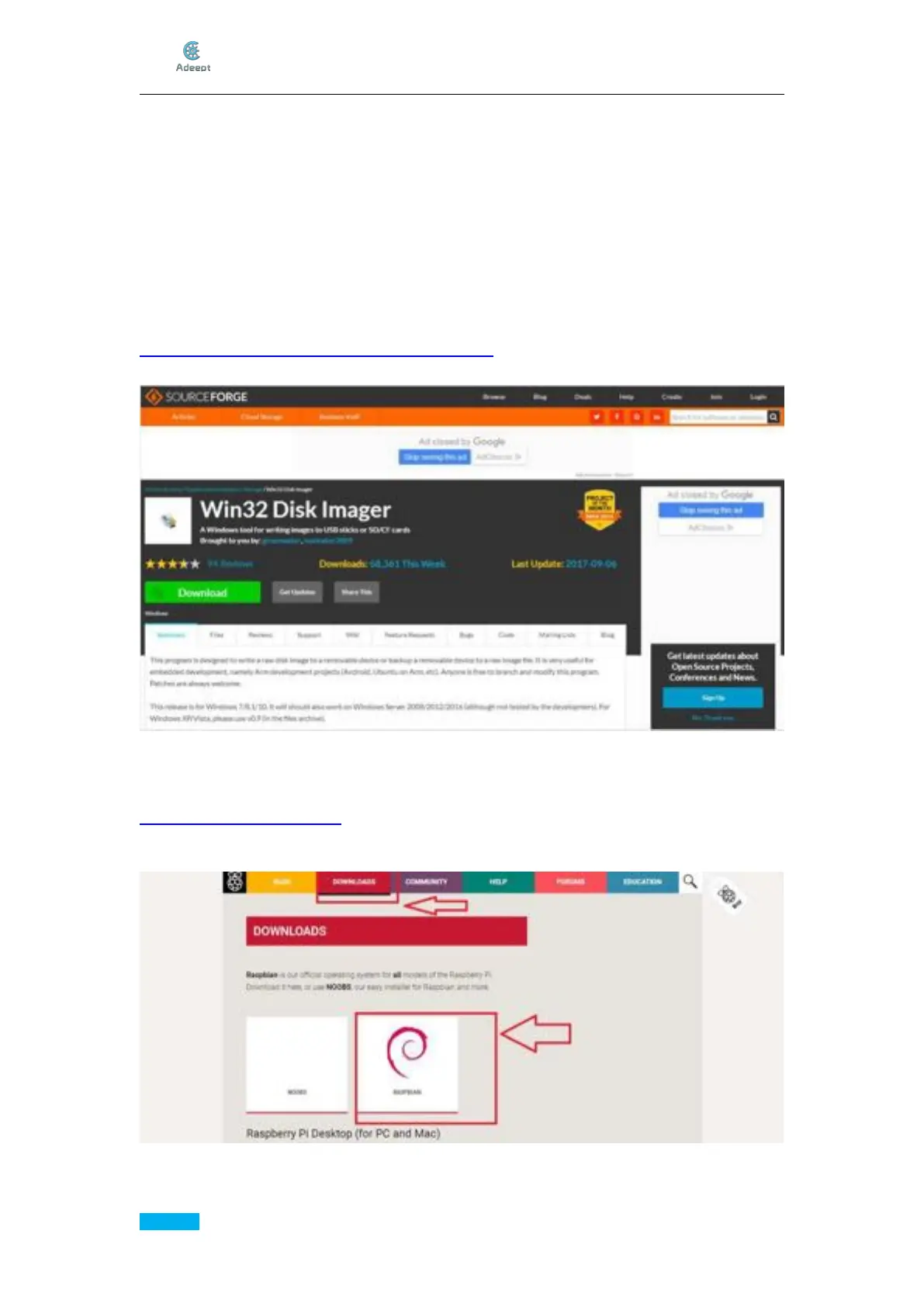
Download the Win32 Disk Imager at:
https://sourceforge.net/projects/win32diskimager/
Download the Image for Raspbian
Go to Raspberry Pi official website:
https://www.raspberrypi.org/
click though Download->Raspbian.Raspbianissuitablefornovicesinceit'ssupported
by Raspberry Pi and based on Linux.



 To Next Page