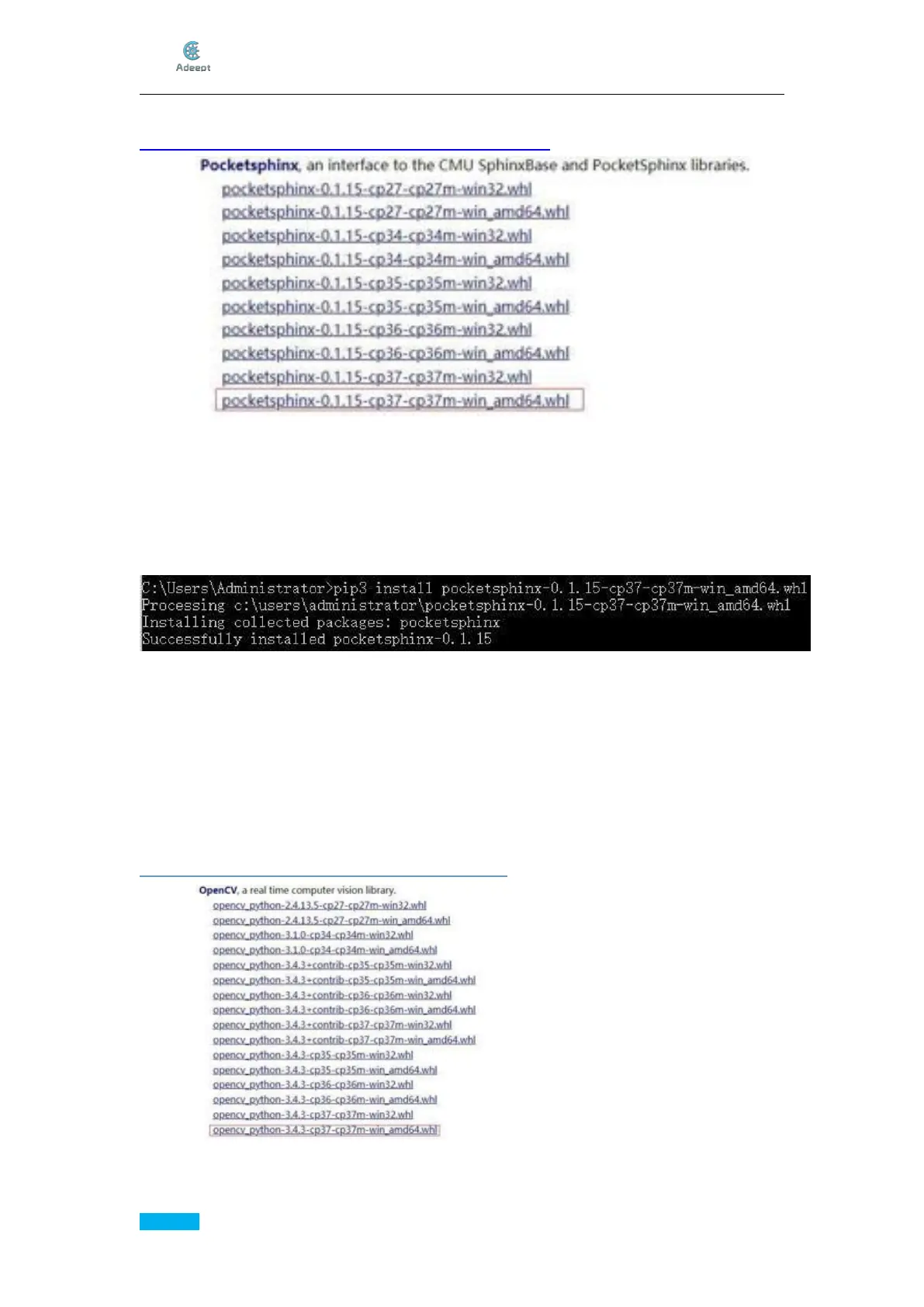
Download PocketSphinx.whl:
https://www.lfd.uci.edu/~gohlke/pythonlibs/#pocketsphinx
In our case, we download pocketsphinx-0.1.15-cp37-cp37m-win_amd64.whl for
Python3.7 on x64 OS.
Download it and save it in C:\Users\Administrator\ so you don’t have to input the path
when installing it.
Now you can install PocketSphinx:
pip3 install pocketsphinx-0.1.15-cp37-cp37m-win_amd64.whl
6.Install OpenCV:
Install numpy:
pip3 install numpy
NumPy is a general-purpose array-processing package designed to efficiently manipulate
large multi-dimensional arrays of arbitrary records without sacrificing too much speed for
small multi-dimensional arrays.
Download OpenCV_python.whl:
https://www.lfd.uci.edu/~gohlke/pythonlibs/#opencv
In our case, we download opencv_python-3.4.3-cp37-cp37m-win_amd64.whl for
Python3.7 on x64 OS.



 To Next Page