Press X to implement ultrasonic scanning. During this process, the carisunableto
execute other actions. After the scanning is done, the resultswillbeshownontheGUIas
shown below:
You may select the range of scanning in the upper scale and set the speed of car running
in the bottom one. After all changes, you need to click Set button to send the new data to
the car.
OpenCV Vision Recognition
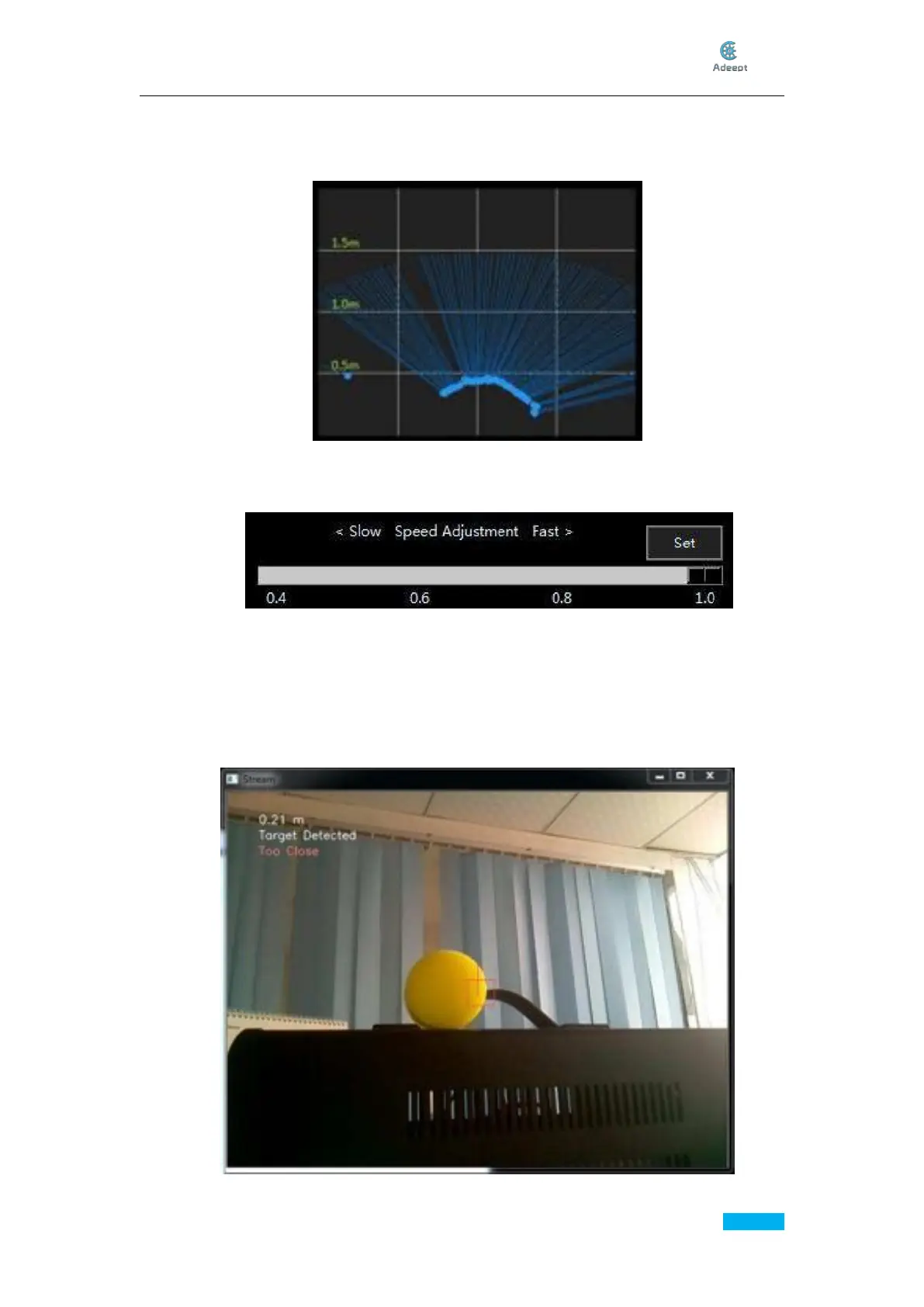
By default, the Rover finds the biggest yellow object in its view and follows it with its LEDs
turned green. When it gets close enough, it would stop and the LEDs turn blue, and if it
gets too close to the yellow object, it would go back with the LEDs turned red; when the
rover couldn’t find a yellow object, the LEDs turn yellow.



 To Next Page