Page 10 of 42
2.4 Control Buttons
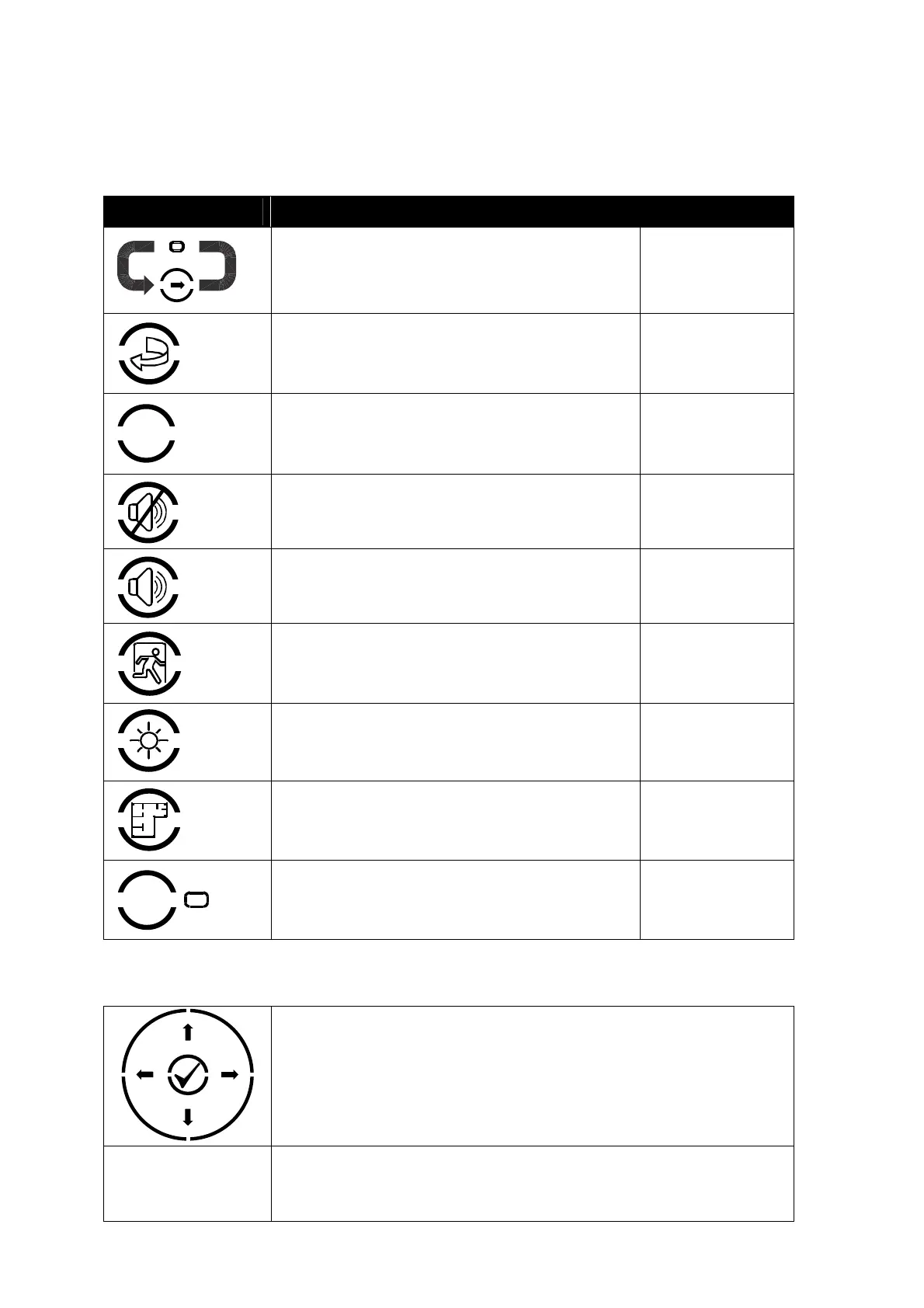
The following table contains a list of all of the control button functions available. The buttons
available on each product depend on the country of installation and specific market requirements.
Button Description Access Level
More Alarms
Press to scroll through Zones in Alarm. The LED
indicator turns on to indicate if more than one zone
is in alarm.
Available in both
Level 1 and Level 2
Reset
Press to reset the panel from a fire alarm or
latched fault condition.
Only available with
Level 2 Access.
!
Mute
Press to mute the internal buzzer.
Available in both
Level 1 and Level 2
Silence
Press to silence the sounders.
Only available with
Level 2 Access.
Resound
Press to re-activate the sounders.
Only available with
Level 2 Access.
Evacuate
Press to initiate a manual evacuation and sound
the alarms.
Only available with
Level 2 Access.
LED Test
Press to illuminate ALL LED indicators
Available in both
Level 1 and Level 2
Disable
Press to disable the zone or device in a fire alarm
condition (Australia only).
Only available with
Level 2 Access.
Function Button
Programmable function – an associated LED
indicator can also be programmed
Depends on
Programming
2.5 Navigation Buttons
ÍÏÐÎ
Press to scroll through Menu Options.
Press to display more information.
Press to scroll through lists of zones or devices.
Press to confirm entry of numeric or letter information entry.
Press to confirm selection of a menu option.
Press to change some of the configuration options.



 To Next Page