Page 40 of 42
3.14.2 Change-Time
Allows the clock time to be changed.
If the current User ID does not have the necessary permission, the display prompts for entry of a
password to guard against inadvertent changes.
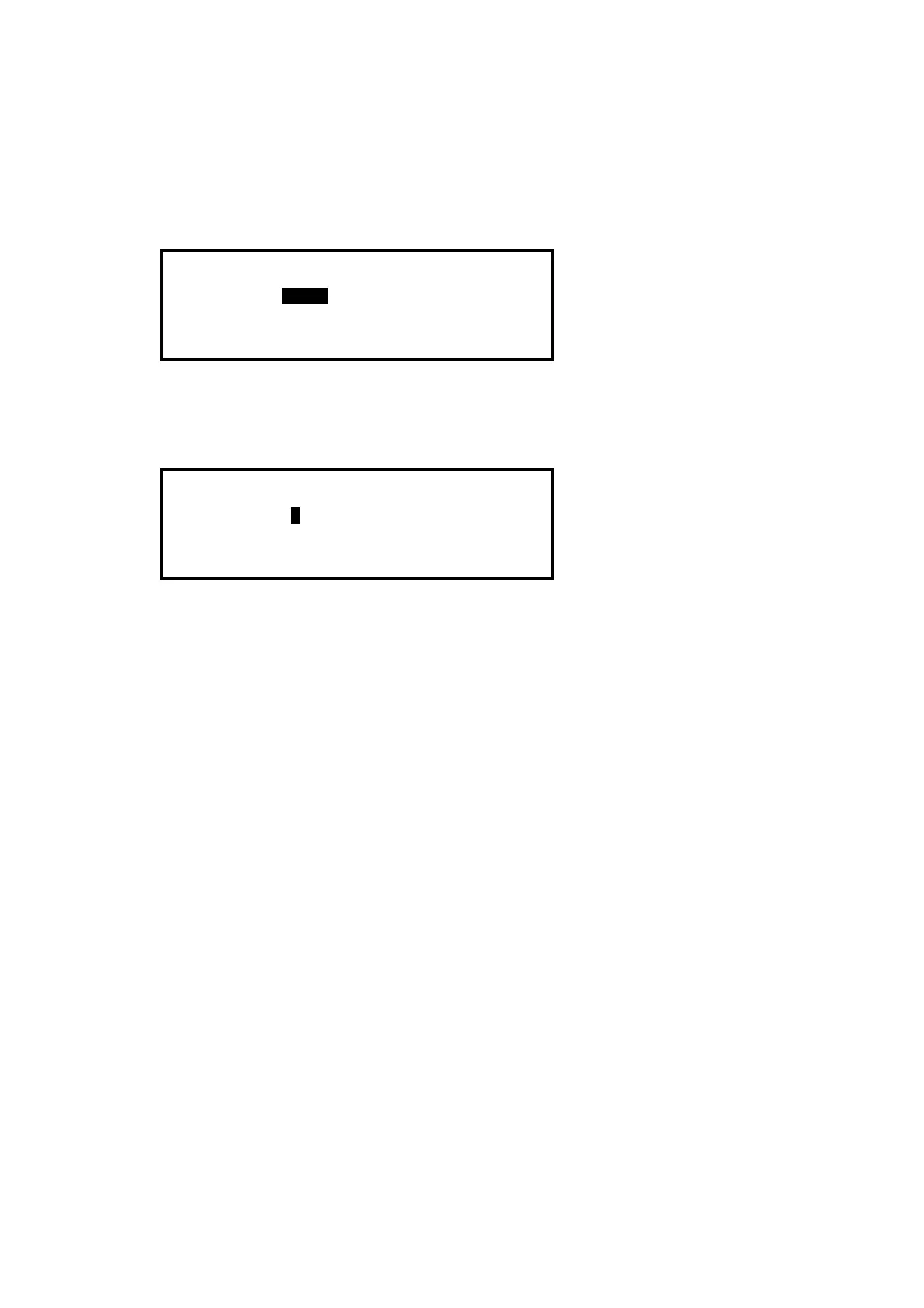
For example:
[SET TIME/DATE]
TIME = 15:28
DATE = 05/01/09 MON 5 JAN 2009
To change the settings, use the ÏÐ buttons to highlight the required option. Directly enter the new
time or date using the number buttons. As soon as a number button is pressed, the display will
clear the current setting and show the new value as it is entered. For example:
[SET TIME/DATE]
TIME = 1-:--
DATE = 05/01/09 MON 5 JAN 2009
If this panel is connected to a network, ALL panels on the network will assume this new value.



 To Next Page