Page 31 of 42
3.11 Enabling
On selection of the Enable Menu Option, the display shows the available Enable Functions.
[Enable] User 1 Node 1
ZONE/INPUTS OUTPUTS GROUPS
REMOTE
Press the ÍÎ buttons to highlight the required menu option and then press the button to select
it.
3.11.1 Enable - Zones and Inputs
Selecting this option will show a list of zones containing disabled input devices. Either the complete
zone, or individual devices within the zone can then be enabled (Display format is virtually identical
to the Disable displays).
3.11.2 Enable - Outputs
When this option is selected, a pop-up menu appears asking if you want to enable ALL
SOUNDERS, ALL BEACONS, FIRE ROUTING OUTPUTS, FIRE PROTECTION OUTPUTS,
FAULT ROUTING OUTPUTS, ALL OTHER RELAY OUTPUTS, ONLY SELECTED OUTPUTS or
the PAGER OUTPUT. If ONLY SELECTED OUTPUTS is selected, the display will list only zones
containing outputs that have been disabled. The individual outputs within the zone can then be
enabled.
(The display format is virtually identical to the Disable displays).
3.11.3 Enable - Groups
This option allows the re-enabling of User-defined Disablement Groups. The display is identical to
the disable option.
3.11.4 Enable - Remote
Information on the detectors connected to the panel and on the condition of all zones can be
obtained with an ipGateway interface.
In addition, the user can be assisted with operations such as disabling / enabling a detector from
external commands over a TCP/IP system. In order to ensure this only happens with the consent of
the user the REMOTE option must be enabled by the user.
If the current User ID does not have the necessary permission, the display prompts for entry of a
password to guard against inadvertent changes.
After selecting the option, a selection list is presented on the display as follows:
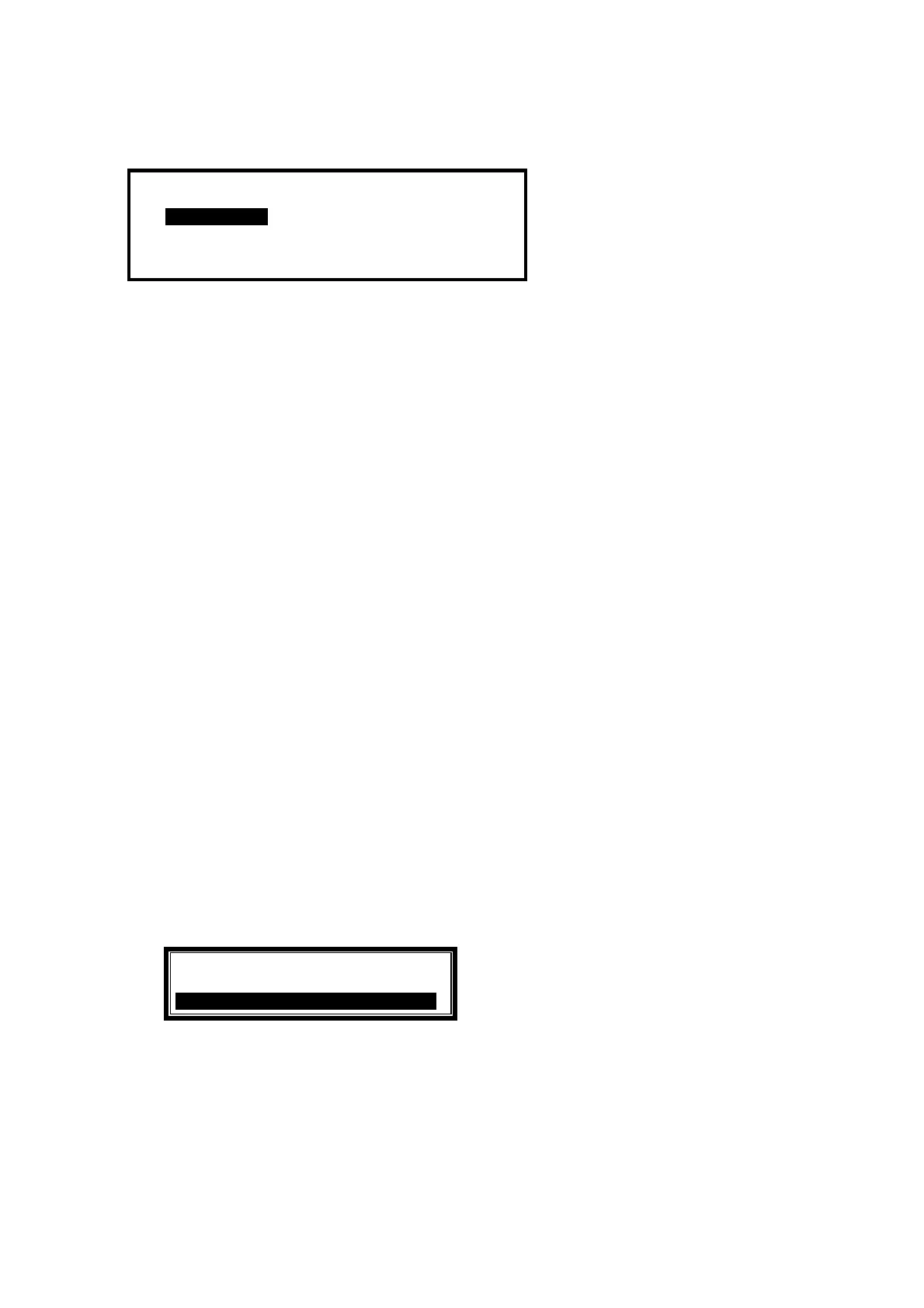
[Remote Access Options]
DISABLE REMOTE ACCESS
ALLOW REMOTE ACCESS .
Use the ÏÐ buttons to highlight the required option and then press the button to confirm.



 To Next Page