Page 12 of 42
3.1.1 Changing from Access Level 1 to Level 2
If the panel has an access key switch fitted, use the key in preference to the menu options
shown below.
3.1.1.1 Menu Access
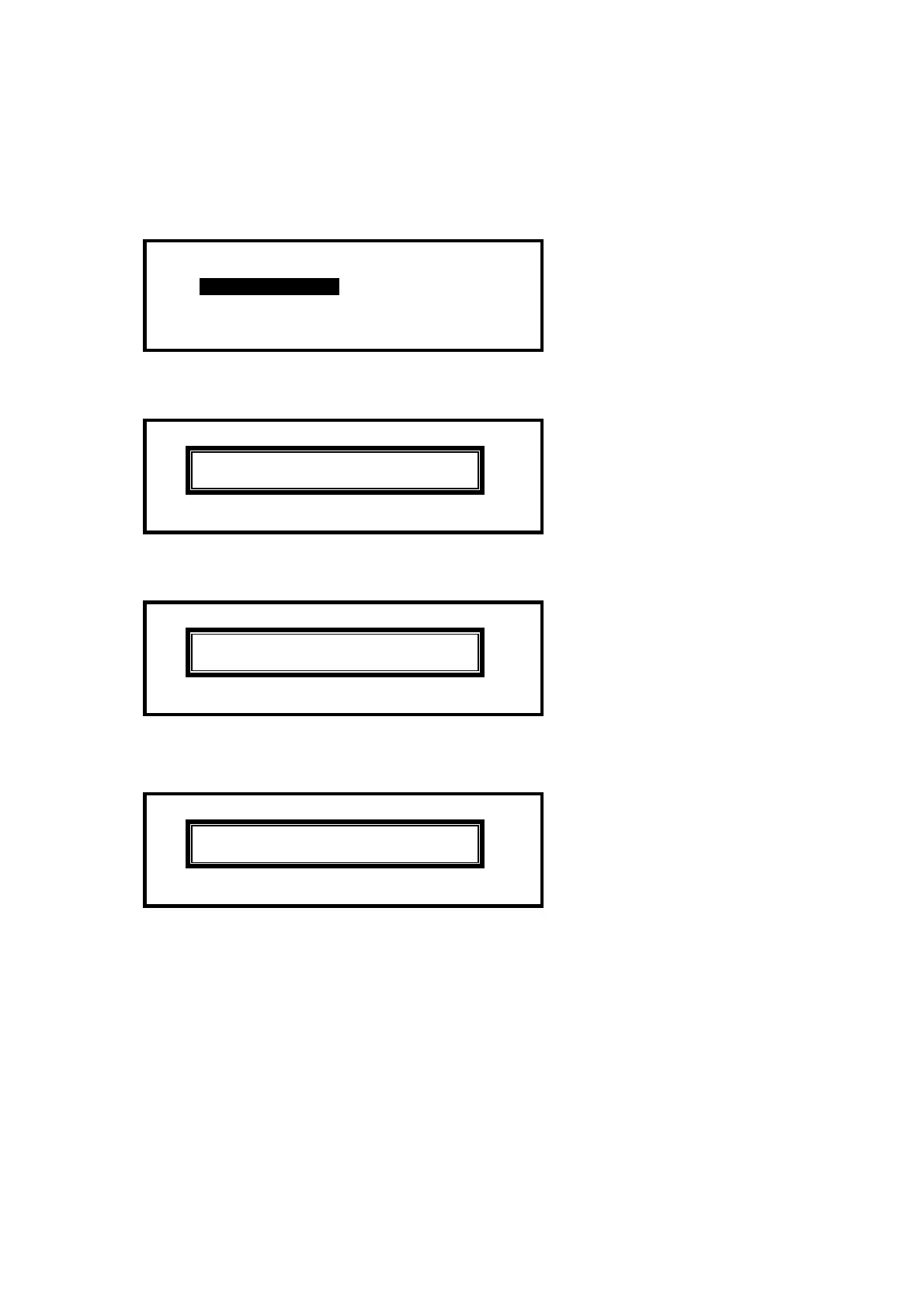
Press the ‘MENU’ button. The level 1 menu will be displayed as shown below:
[ CONTROLS DISABLED ]
ENABLE CONTROLS VIEW
LED-TEST STATUS
To enable the controls, ensure the “Enable Controls” option is highlighted and then press the
button. The display then requests entry of the Level 2 or 3 passwords as follows:
[ CONTROLS DISABLED ]
Please Enter Your Password
Enter the password using the number buttons and then press the button. As each number is
entered, an asterisk (*) is shown on the display. For example:
[ CONTROLS DISABLED ]
Please Enter Your Password
**
If the password is correct, the Level 2 Menu options will be shown.
If the password is incorrect, the display briefly shows the following message.
[ CONTROLS DISABLED ]
Please Enter Your Password
Password Not Recognised !
3.1.1.2 Control Buttons at Level 1
If any of the control buttons (Reset, Silence / Resound or Evacuate) are pressed, the display
automatically prompts for the password. Enter the password as above.
3.1.2 Changing from Access Level 2 to 1
If the panel has an access key switch fitted, use the key switch.
Alternatively, if passwords are used, select the “Disablement” menu and then select
“Disable/Controls” – see section 3.10.3 for details.



 To Next Page