Page 38 of 42
3.14.1.3 Print Inputs
To print information on any input, highlight the Inputs option and press the button to confirm. The
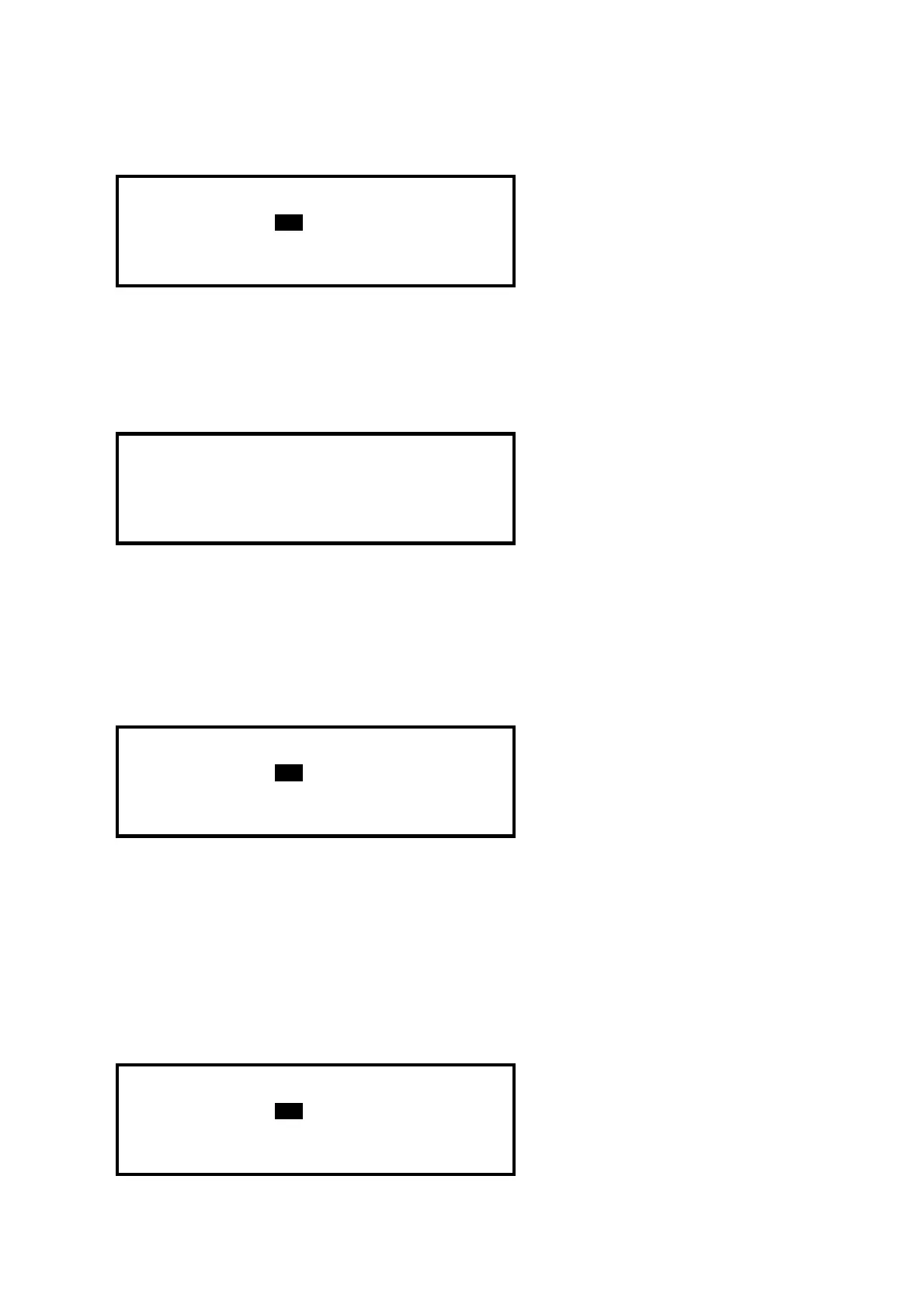
display will show the following:
[Inputs]
First Zone : 98
Last Zone : 98
(Press → to Start Print)
The display will prompt the zones in use on this panel. For networked systems, it is possible to
select any zones used in the system. Use the arrow (ÏÐ) buttons to highlight the first and last zone
number and use the number keys to change the zone number required.
Press the Î key to start printing.
The display will show the following whilst information is sent to the printer and printed.
WORKING ...
(Press Esc to Stop)
After all information has been printed, the display will automatically revert to the Print Menu. Press
the “Esc” key to stop printing if required.
The printout will show all input points for the zones selected. Information printed includes Device
Text, Zone Number, Loop and address, current status and analogue value.
3.14.1.4 Print Outputs
To print information on any output, highlight the Outputs option and press the button to confirm.
The display will show the following:
[Outputs]
First Zone : 98
Last Zone : 98
(Press → to Start Print)
The display will prompt the zones in use on this panel. For networked systems, it is possible to
select any zones used in the system. Use the arrow (ÏÐ) buttons to highlight the first and last zone
number and use the number keys to change the zone number required.
Press the Î key to start printing.
The printout will show all output points for the zones selected. Information printed includes Device
Text, Zone Number, Loop and address, current status and analogue value.
3.14.1.5 Print Faults
To print information on any faults, highlight the Faults option and press the button to confirm. The
display will show the following:
[ 2 Zones in Fault]
First Zone : 98
Last Zone : 99
(Press → to Start Print)
The panel analyses the network and the display will prompt the zones in a fault condition.



 To Next Page