14
aee.com
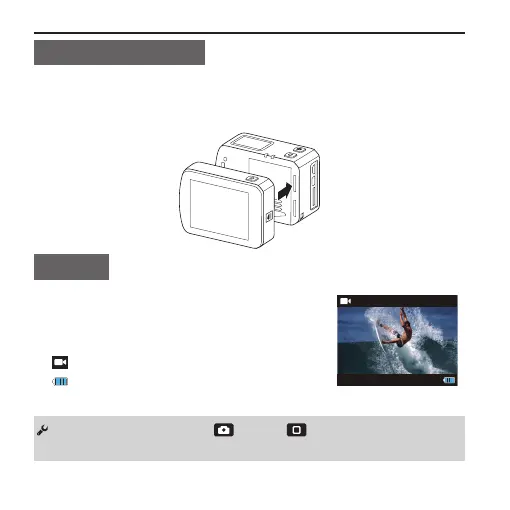
Install TFT Display
■ S71 Touch supports external dedicated 2″ TFT display, which
can perform Setup, Playback and Delete, etc. on the camera to
preview or play back the video. Install the display as shown below:
Startup
■ Slide the power key to the "ON" end;
- Red indicators will be lit up, the camera
enters the video recording standby mode.
: Working mode(Default)
: Battery level
You can long press the " " and " " key simultaneously for
3s to to power On/Off. (Camera in power-on state.)



 To Next Page