30
aee.com
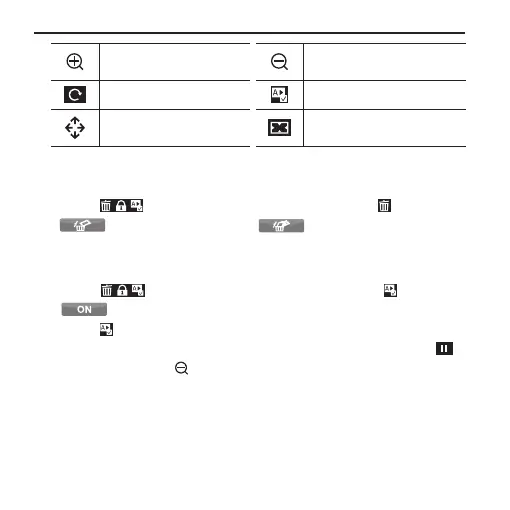
Zoom in / Volume +
Back to thumbnail / Zoom out
/ Volume -
Rotate photos;
Auto play of photos;
Move picture up/down/left/
right;
Back to the state before
zooming in
• Delete Files
Press " " in the playback interface → Press " ";
" ": Delete single " " : Delete all
• Auto play of photos
Press " " in the playback interface → Press " " → Press
" " → Gently touch the screen when viewing photos →
Press " " to enter the auto play mode;
Gently touch the screen during auto play of photos → Press " "
to pause → Press " " to go back to the playback interface;



 To Next Page