25
aee.com
Photo Shooting
■ Basic Operations of Photo Shooting
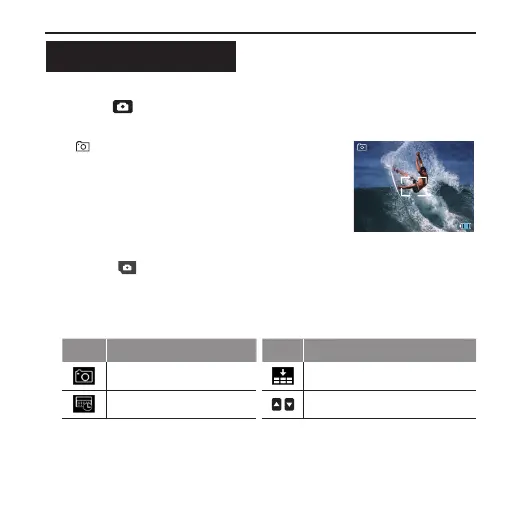
- Press " " key once; the system makes a "click" sound, hinting
the completion of photo shooting.
:
Single shot mode
1888
:
Remaining shots
8M
:
Shooting resolution
1. Press " " in the main menu to enter the “Setting of Photo
Shooting Parameters” interface(the function of each icon is
described as follows) → Select the desired function icon to enter
the corresponding interface;
Icon Functions Icon Functions
Capture mode Photo resolution
Display time / paging up / paging down
2. Select the desired function parameters; the red function icon on the
left has the “go back” function;



 To Next Page