20
aee.com
:
Recording Mode
000:00:01
:
Recording timer
2H30
:
Remaining recordable time
:
To go back to the preview state
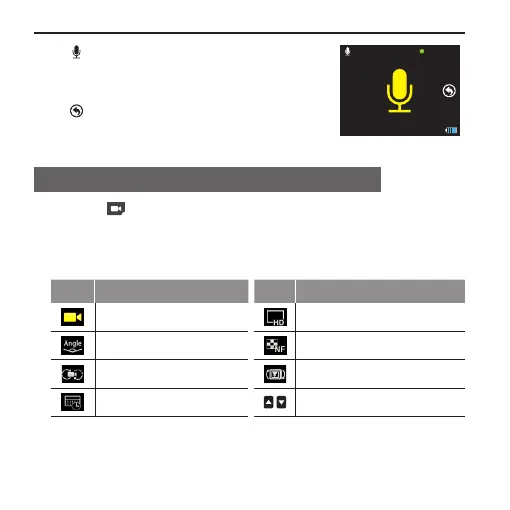
Parameter Setting For Video Recording
1. Press " " in the main menu to enter the “Setting of Video
Recording Parameters” interface (the function of each icon is
described as follows) → Select the desired function icon to enter
the corresponding interface;
Icon Functions Icon Functions
Execution mode Resolution
View angle Bitrate
Video content loop 180° photo rollover
Display time / paging up / paging down
2. Select the desired function parameters; the red function icon on the
left has the “go back” function;



 To Next Page