29
aee.com
Playback
Operating Procedure for Playback
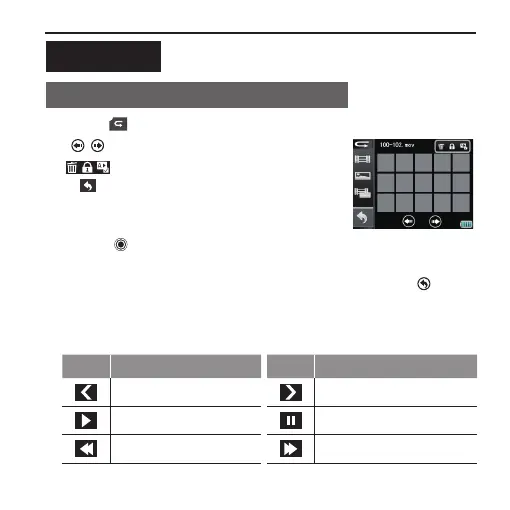
1. Press " " in the main menu to enter the playback interface:
:
View thumbnails by page turning
:
Delete Files/File Protection/Auto play
:
To go back to the preview state
- Press " " on the main unit to switch the le type (Video les /
Photo les / All les);
- Tap a thumbnail to view the le in full screen → press " " to go
back to the playback interface;
2. Gently touch the screen when viewing a file in full screen; the
function of each icon at this moment is described as follows:
Key Functions Key Functions
Previous;
Next;
Play;
Pause;
Rewind;
Fast forward;



 To Next Page