27
aee.com
Other Basic Setting
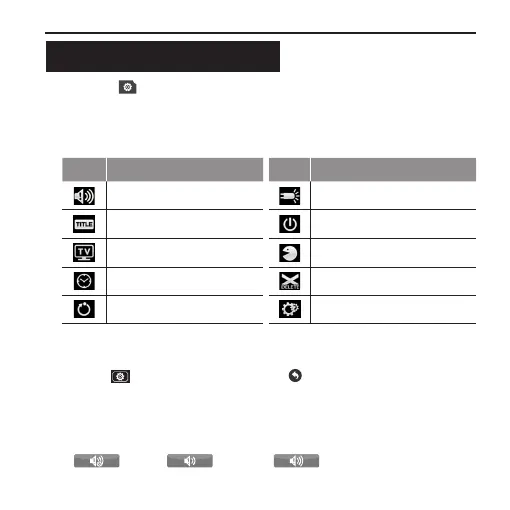
1. Press " " in the main menu to enter the “Setting of Basic
Parameters” interface(the function of each icon is described
as follows) → Select the desired function icon to enter the
corresponding interface;
Icon Functions Icon Functions
Warning tone Status indicator
On screen display Auto to standby
TV output format Language
Date/time Format
Recover factory setting Ver
2. Select the desired function parameters; the red function icon on the
left has the “go back” function;
3. Press " " after setting → Press "
" to go back to the preview
state;
• Warning Tone
Adjust the loudness or mute of buzzer. three modes are available:
" " Off, " " 50% , " " 100%.



 To Next Page