15
aee.com
Date and Time
1. Select " " in the “Setting of Basic Parameters” interface →
Select the time format → Select the numerical value to be modied
→ Press " "/" " to modify the numerical value;
2. Press " " after setting → Press " " → Press " " to go back
to the preview state;
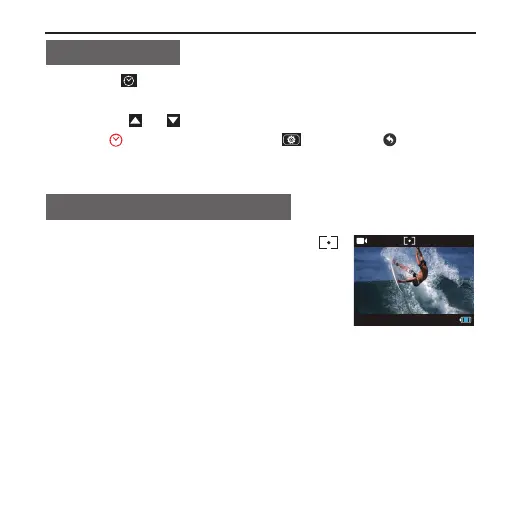
Select Light Metering Mode
■ Slide the light meter mode key to the " "
end, turn on central spot metering. To achieve
the best exposure effect, use central spot
light metering mode when the central spot is
bright while the surrounding environment is
dark.



 To Next Page