16
aee.com
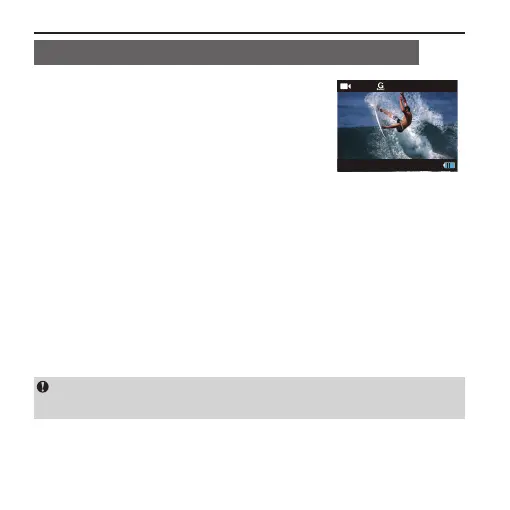
Start Video Recording Via G-SENSOR Mode
■ When host in power-on state, Slide the
G-Sensor key to the "ON" end, Camera
will actively sense the change of gravity.
The system will automatically start video
recording in case of shock or tilting, etc.
Especially when this mode is applied in
xed installation, it can start video recording
timely without the need to start the recording
in advance. It can free you from manual
operation while conserving battery power.
When the camera does not sense any
gravity change for 3 minutes, it will exit
video recording.
During the startup process of the camera, please do not start
G-sensor function simultaneously to avoid the crash.



 To Next Page