39
aee.com
4.Playback
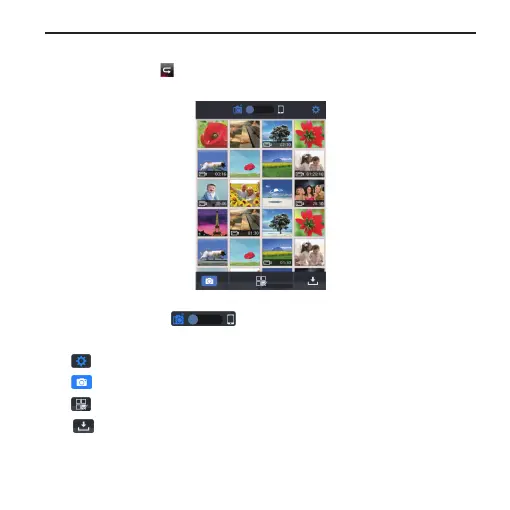
- Click the icon " " to enter the interface shown in Fig to remotely
play videos and photos.
Slide the icon " ". you can replay the files from the
mobile device or camera.
" " App settings interface.
" " Return to the WiFi control interface.
" " Enter File selecting.
" " Download media files from the camera to your mobile
device.



 To Next Page