48
aee.com
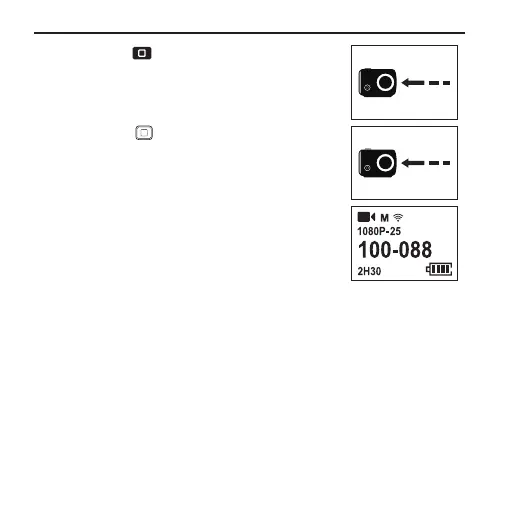
3. Press the " " key on the main unit once;
wait until the remote control screen shows
"PRESS CONNECT";
WiFi
PRESS CONNECT
4. Press the " " key on the remote control
again; wait until the remote control screen
shows "CONNECT";
WiFi
CONNECT
INFO SYNC
5. Pairing is successful when the information on
the remote control screen is consistent with
that on the lattice screen of the main unit.



 To Next Page