26
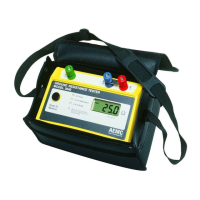
Ground Resistance Tester Model 6471
• When the measurement results are acceptable, stop the measurement by
pressing the START/STOP button.
• View the result on the display and toggle through the relevant parameters
using the DISPLAY button.
• To record the information into memory, use the MEM button (see § 7).
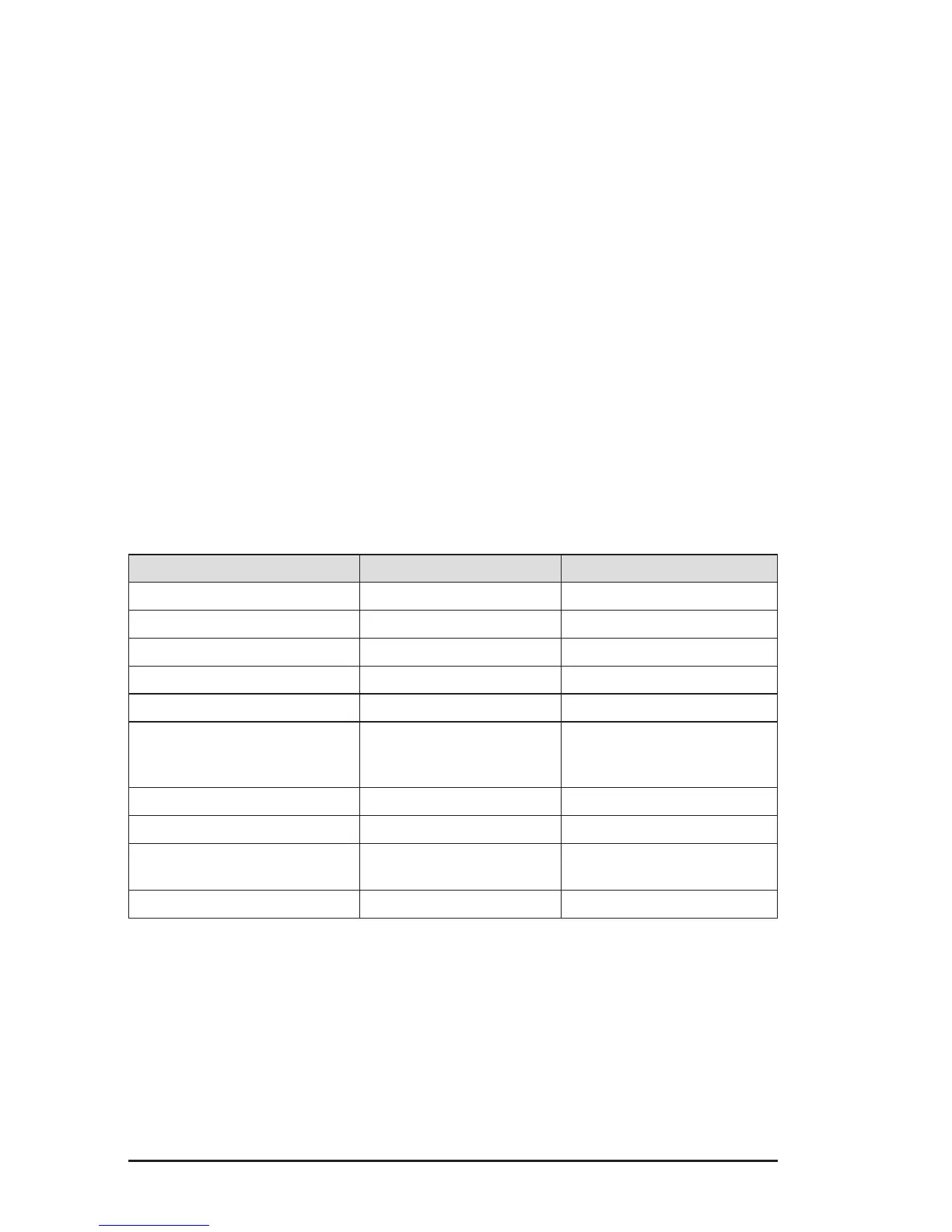
4.2 Instrument Configuration (SET-UP mode)
To congure the Model 6471 parameters, turn the rotary switch to SET-UP:
• All the segments on the display are activated for 1 second and then the
“PUSH button” message appears on the display.
• Various parameters are accessible by pressing the corresponding button.
• The number or symbol which can be modied ashes. These are changed
using the SELECT button [►] and CHANGE buttons [▲▼].
• To exit SET-UP, turn the rotary switch to another position.
• All of the parameters that are modied are permanently saved until a new
instrument conguration is performed.
Parameter to be modified Button Possible values
Date and Month Hz/OPTIONS
(1
st
press) yyyy.mm.dd*
Time Hz/OPTIONS
(2
nd
press) hh : mm*
Baud Rate Hz/OPTIONS (3
rd
press) 9.6k / 19.2k / 38.4k
Default configuration Hz/OPTIONS
(4
th
press) yes / no
Distance unit DISPLAY
(1
st
press) m (meter) or ft (feet)
Alarm (for m
Ω and 2-Pole
measurements only)
DISPLAY (2
nd
press) ON / OFF
direction (< or >)
value (1 to 999
Ω)
Buzzer DISPLAY
(3
rd
press) ON / OFF
Modbus address DISPLAY
(4
th
press) 1 to 247
Memory used MEM
(1
st
press) 000 to 512 (total
number of locations)
Memory location MR
(1
st
press)
OBJ:TEST
*International format date and time only
www.ShopAEMC.com
Shop for AEMC products online at:
1.888.610.7664



 To Next Page