Ground Resistance Tester Model 6471
67
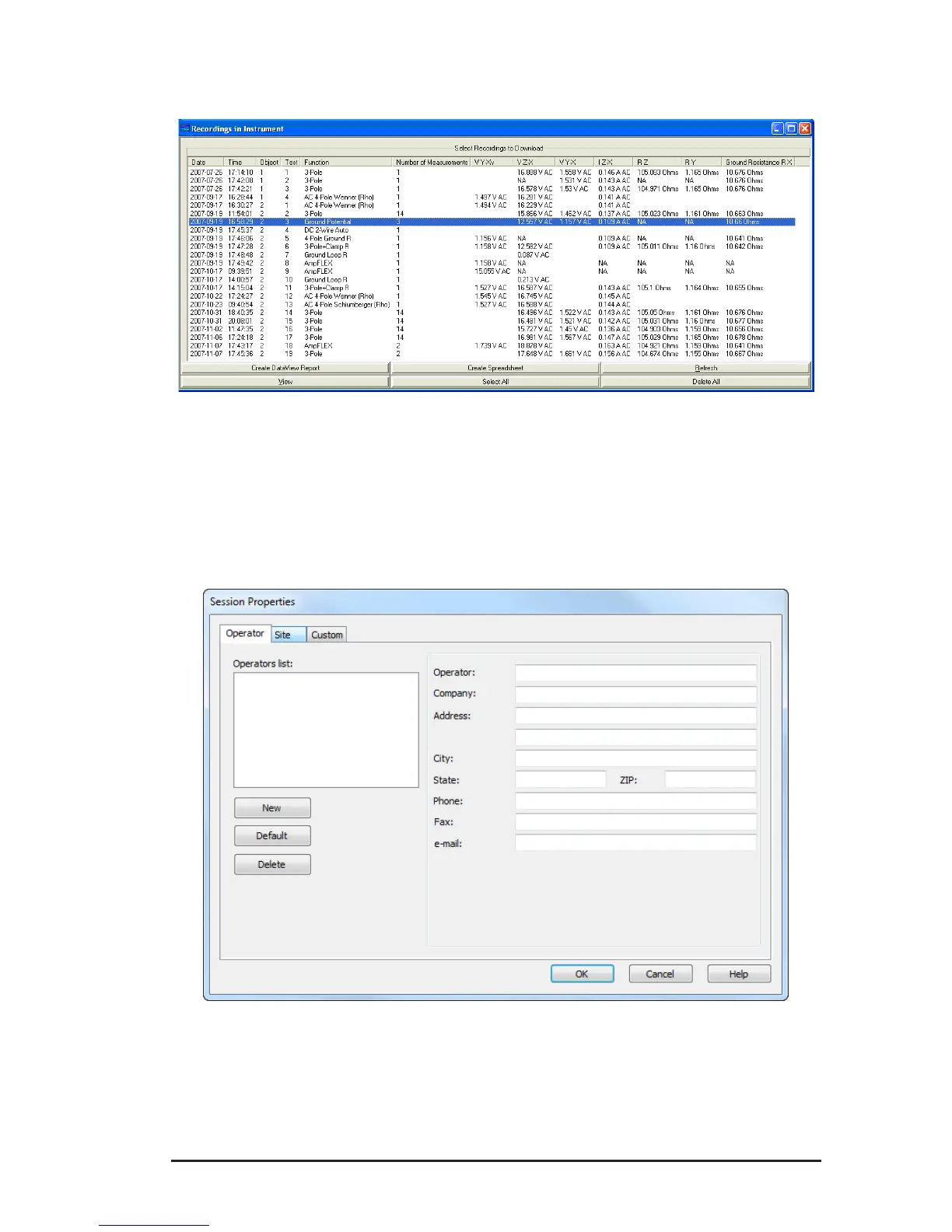
8.7.1 Recordings
Figure 8-12
8.7.2 Session Properties
After creating a DataView
®
report, you can open the Session Properties dialog box
by selecting Edit > Edit Session Properties.
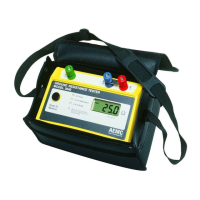
Figure 8-13
The Session Properties dialog allows you to specify Operator, Site and Custom
parameters that are to be saved with recorded data. These parameters are used
when generating reports.
www.ShopAEMC.com
Shop for AEMC products online at:
1.888.610.7664



 To Next Page