22
A300/A300 XT OPERATING MANUAL
© 2002 Design, 2012 Doc. No. 12-7255-r01 (5/14/12)
WET ACTIVATION OF DIVE MODE
The unit is configured with contacts that will automatically activate Dive Mode when the space between the contacts is bridged by
a conductive material (immersed in water) and it senses a Depth of 5 FT (1.5 M).
The contacts are the metal pins of the PC Interface Data Port and the stems of the buttons.
SMARTGLO
®
BACKLIGHT
The unit is configured with a sensor that measures the intensity of ambient light. This (Smartglo) saves battery power by allowing
the Backlight to only come on when light level is low.
To activate the SmartGlo Backlight >> press the S button.
• If ambient light level is low, the Backlight will activate and illuminate the display for button depression time plus 10 seconds
if in NORM mode, or the Duration time set (5, 10, or 15 seconds) if in TECH, GAUG, or FREE mode.
• Pressing any button while the Backlight is on will reset the timer, keeping it on for the duration time.
Extensive use of the Backlight reduces estimated Battery life. Also, the Backlight does not operate
during a Low Battery condition or when the unit is connected to a PC.
BAR GRAPHS
The unit features 2 bar graphs, one on each side of the LCD.
> The TLBG (Tissue Loading Bar Graph) on the left (Fig. 57a) represents nitrogen loading.
> The VARI (Variable Ascent Rate Indicator) on the left (Fig. 57b) represents ascent rate.
TLBG
The TLBG represents relative No Deco or Deco status.
The first 19 segments (13 normal, plus 6 caution*) represent No Deco status and all 20 indicate a Deco condition.
*The 6 caution segments represent nitrogen loading equal to 70, 75, 80, 85, 90, and 95 % allowable tissue loading for the
current Depth and EDT.
As Depth and Elapsed Dive Time increase, segments add to the TLBG beginning at the bottom.
During ascents and as post dive Surface Intervals elapse, as nitrogen is off gassed, segments recede indicating that additional
No Deco time is available.
The unit monitors 12 different nitrogen compartments simultaneously and the TLBG displays the one that is in control of the dive at
any given time.
VARI
The VARI provides a visual representation of ascent speed (i.e., an ascent speedometer).
The segments represent two sets of speeds which change at a reference depth of 60 FT (18 M). Refer to the chart.
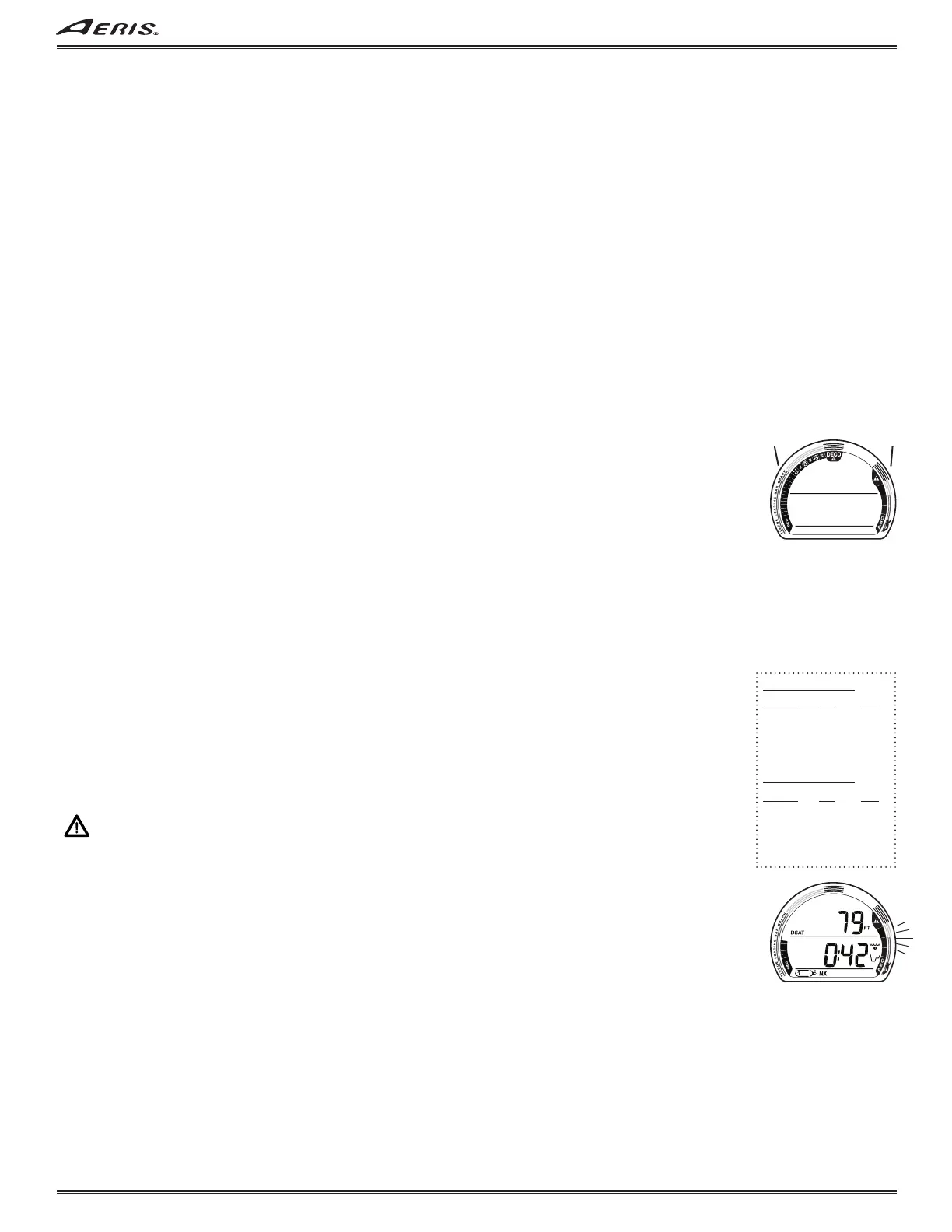
When ascent is too fast, all segments of the VARI flash (Fig. 58) until ascent is slowed.
WARNING: At depths greater than 60 FT (18 M), ascent rates should not exceed 60 FPM (18 MPM).
At depths of 60 FT (18 M) and shallower, ascent rates should not exceed 30 FPM (9 MPM).
DUAL ALGORITHM
®
The unit is configured with 2 algorithms which allows you to choose which set of NDLs (No Deco Limits) will be used for Ni/O2
calculations and displays relating to Plan and DTR (Dive Time Remaining). The selection will lock in for 24 hours after the dive.
You can select DSAT or Z+.
DSAT has been the standard used by AERIS in all of its dive computers until this time. It features NDLs that are based on
exposures and test data which also formed validation for the PADI RDP. It imposes restrictions for repetitive Deco dives,
considered more risky.
Z+ (Pelagic Z+) performance is based on Buhlmann ZHL-16c. It features NDLs that are considerably more conservative
especially at shallower depths.
To create even greater margins of safety with respect to decompression, a Conservative Factor as well
as No Deco Deep and Safety Stops can be included for No Deco dives.
Fig. 57 - BAR GRAPHS
a b
VARI Ascent Rate
Segments FPM MPM
0 0 - 20 0 - 6
1 21 - 30 6.1 - 9
2 31 - 40 9.1 - 12
3 41 - 50 12.1 - 15
4 51 - 60 15.1 - 18
5 60 + 18 +
VARI Ascent Rate
Segments FPM MPM
0 0 - 10 0 - 3
1 11 - 15 3.1 - 4.5
2 16 - 20 4.6 - 6
3 21 - 25 6.1 - 7.5
4 26 - 30 7.6 - 9
5 30 + 9 +
Fig. 58 - ASCENT TOO FAST



 To Next Page