16
A300/A300 XT OPERATING MANUAL
© 2002 Design, 2012 Doc. No. 12-7255-r01 (5/14/12)
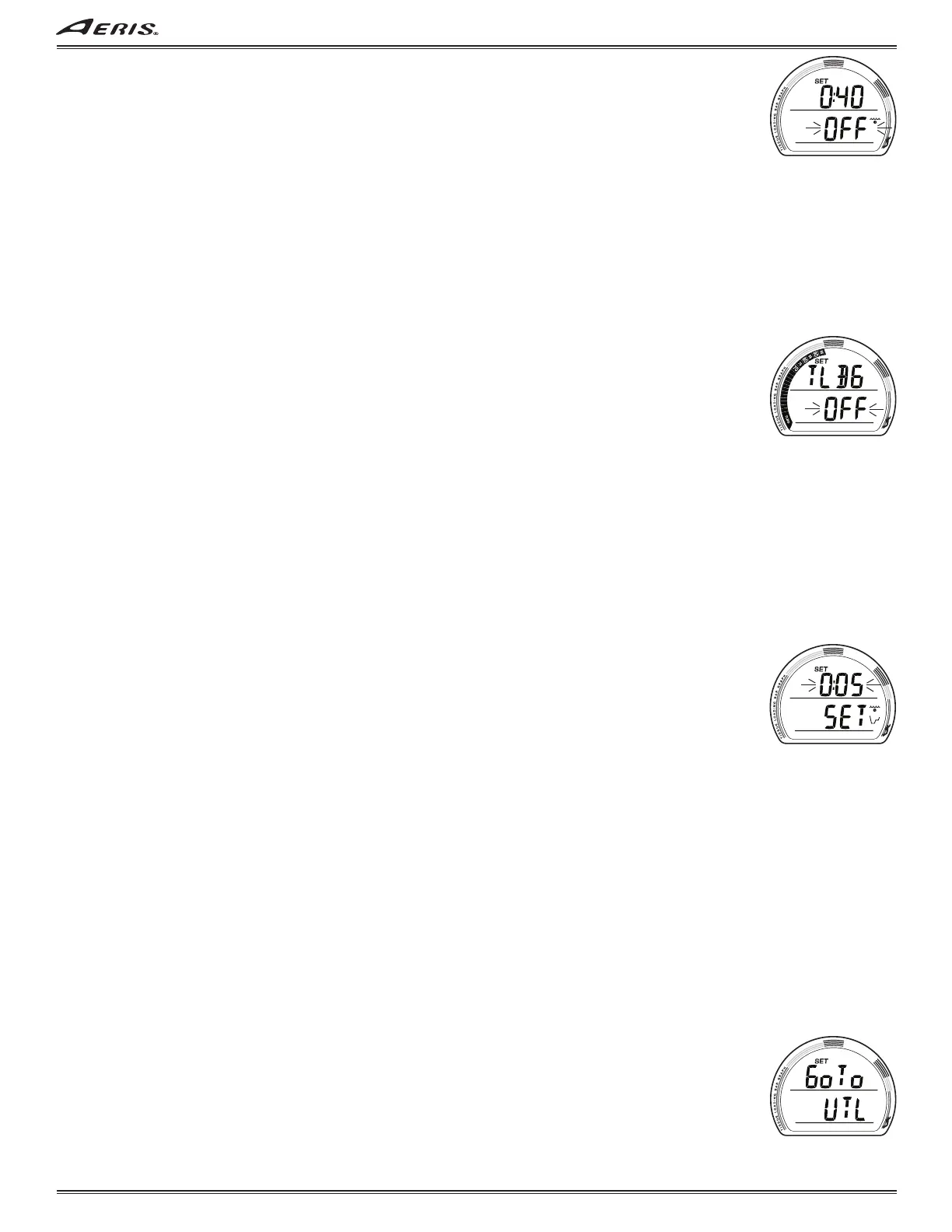
SET EDT ALARM, information includes (Fig. 33):
> SET icon.
> Graphic OFF (or ON) flashing, with Time value (hr:min) last set with wave/clock icon solid.
• A (< 2 sec) to step through the selections OFF, ON, and SET.
• M (< 2 sec) to step back through the selections.
• S (< 2 sec) to save the selection and access Set TLBG Alarm if OFF or ON is saved (if TECH), or revert to Set ALM if OFF or
ON is saved (if NORM), or flash the Time digits if SET is saved.
• S (2 sec), if the selection is not changed, to step back to Set Depth Alarm.
• 2 minutes, or M (2 sec), revert to Main.
If SET is saved and the Time digits are flashing >>
• A (hold) to scroll upward through Set Points from 0:10 to 3:00 (hr:min) in :05 increments at 8/sec.
• A (< 2 sec) to step upward through the Set Points.
• M (< 2 sec) to step back through the Set Points.
• S (< 2 sec) to save the Time value (solid) and flash the graphic SET, allowing ON or OFF to be selected.
• S (2 sec), if the Set Point is not changed, to step back to Set Depth Alarm.
• 2 minutes, or M (2 sec), revert to Main.
SET TLBG ALARM (TECH only), information includes (Fig. 34):
> SET icon and graphic TLBG.
> Graphic OFF (or ON) flashing, with TLBG segments last set solid.
• A (< 2 sec) to step through the selections OFF, ON, and SET.
• M (< 2 sec) to step back through the selections.
• S (< 2 sec) to save the selection and access Set DTR Alarm if OFF or ON is saved, or flash the Time digits if SET is saved.
• S (2 sec), if the selection is not changed, to step back to Set Depth Alarm.
• 2 minutes, or M (2 sec), revert to Main.
If SET is saved and the Time digits are flashing >>
• A (< 2 sec) to step upward through the Set Points from 14 through 19 segments.
• M (< 2 sec) to step back through the Set Points.
• S (< 2 sec) to save the TLBG value (solid) and flash the graphic SET, allowing ON or OFF to be selected.
• S (2 sec), if the Set Point is not changed, to step back to Set EDT Alarm.
• 2 minutes, or M (2 sec), revert to Main.
NORM mode has a fixed TLBG alarm that activates at 14 segments (70%).
SET DTR ALARM (TECH only), information includes (Fig. 35):
> SET icon.
> Graphic OFF (or ON) flashing, with Time value (hr:min) last set with wave/clock/profile icon solid.
• A (< 2 sec) to step through the selections OFF, ON, and SET.
• M (< 2 sec) to step back through the selections.
• S (< 2 sec) to save the selection and revert to Set ALM if OFF or ON is saved, or flash the Time digits if SET is saved.
• S (2 sec), if the selection is not changed, to step back to Set Depth Alarm.
• 2 minutes, or M (2 sec), revert to Main.
If SET is saved and the Time digits are flashing >>
• A (hold) to scroll upward through Set Points from 0:05 to 0:20 (hr:min) in :01 increments at 8/sec.
• A (< 2 sec) to step upward through the Set Points.
• M (< 2 sec) to step back through the Set Points.
• S (< 2 sec) to save the Time value (solid) and flash the graphic SET, allowing ON or OFF to be selected.
• S (2 sec), if the Set Point is not changed, to step back to Set TLBG Alarm.
• 2 minutes, or M (2 sec), revert to Main.
NORM mode has a fixed DTR alarm that activates at 5 minutes.
NORM/TECH SET UTL (UTILITIES)
Unless noted otherwise, items set in one mode also apply to the other mode. Example: If the Units is set for Metric while in
NORM mode, it can then be set for Imperial while in TECH mode.
SET UTL LEAD-IN, information includes (Fig. 36):
> Graphics Go To UTL with SET icon.
• S (< 2 sec) to access Set Water Type if TECH, or Set Units if NORM.
• A (< 2 sec) to step forward to Set TME Lead-in.
• M (< 2 sec) to step back to Set ALM Lead-in.
• 2 minutes, or M (2 sec), revert to Main.
Fig. 33 - SET EDT ALARM
Fig. 34 - SET TLBG ALARM
Fig. 35 - SET DTR ALARM
Fig. 36 - SET DEPTH ALARM



 To Next Page