8
A300/A300 XT OPERATING MANUAL
© 2002 Design, 2012 Doc. No. 12-7255-r01 (5/14/12)
POWER SUPPLY
• Battery >> (1) 3 vdc, CR2450, Lithium.
• Shelf life >> up to 5 years.
• Use life >> 100 dive hours if (1) 1 hour dive per dive day up to 300 dive hours if (3) 1 hour dives per dive day.
• Use life >> 300 dive hours if (2) 1 hour dives per dive day.
• Replacement >> by user (annual recommended).
BATTERY STATUS INDICATION
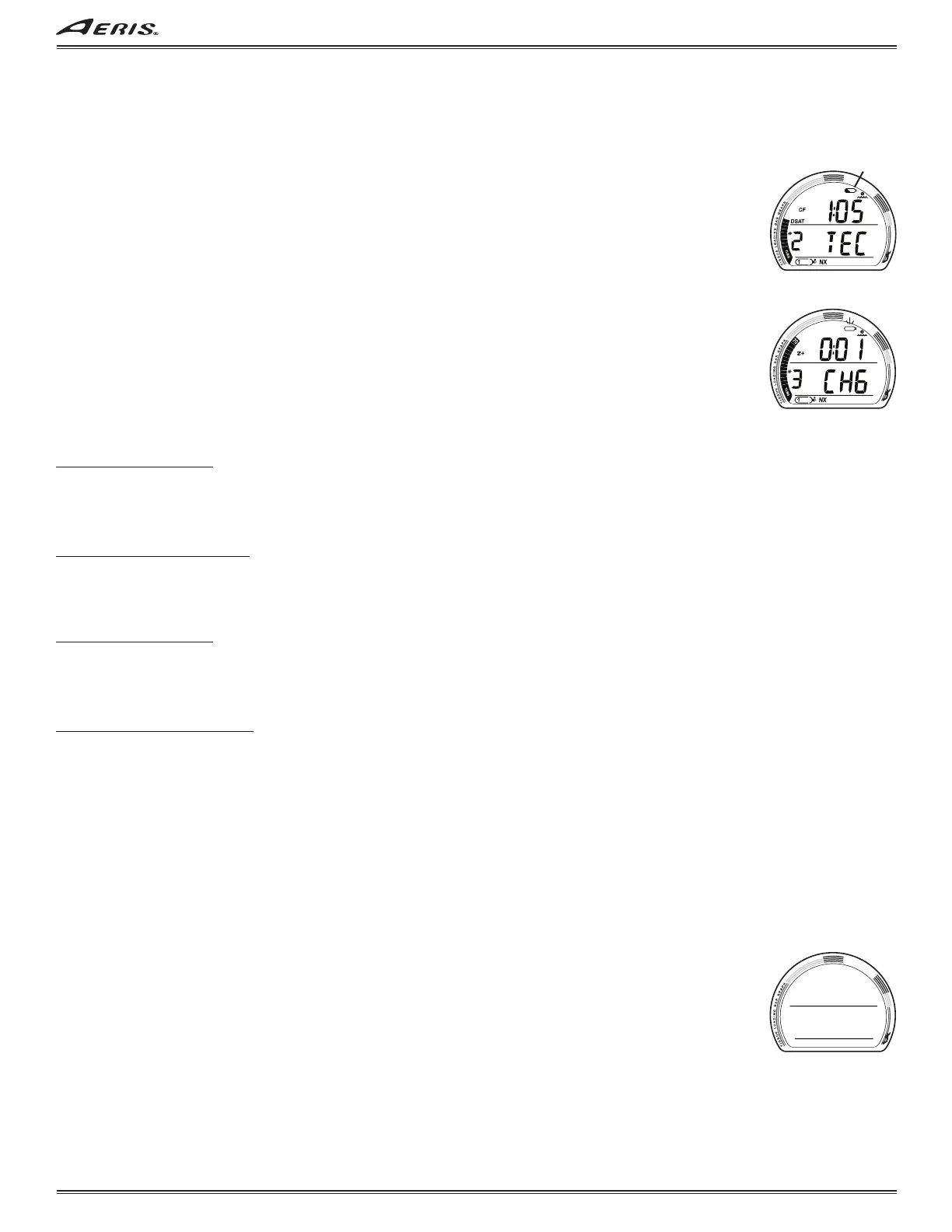
• Warning >> icon on solid (Fig. 4a) when < 2.75 volts, battery change recommended.
• Alarm >> icon on flashing (Fig. 5) when < 2.50 volts, change the battery.
When the voltage is below that required for normal operation (< 2.50 volts), the graphics CHG and BAT will alternate and the
Battery icon (shell only with no inner bar) will flash once per second for 5 seconds, then the unit will shut off.
The Backlight will be disabled and not activate (on the surface or during the dive) when Battery voltage is below the warning
level (< 2.75 volts).
If a Low Battery Warning condition (< 2.75 volts) occurs during a dive, the system will continue to operate with normal displays
and functions throughout that dive.
The Low Battery icon will not be displayed during dives (underwater). It will be displayed when the unit enters Surface Mode.
If a Low Battery Alarm condition (< 2.50 volts) occured during the dive, the graphics CHG and BAT will alternate after 10 min-
utes on the surface, then the unit will shut Off.
LOW BATTERY WHILE ON THE SURFACE
<= 2.75 volts (warning level)
• Backlight is completely disabled.
• Battery icon (shell with inner bar) appears solid.
• If a dive is started, the icon is not displayed on the dive mode screens.
• All functions continue to be available.
<=2.50 volts (Too Low - alarm level)
• Battery icon (shell only) will flash for 5 seconds then the unit shuts off completely.
LOW BATTERY DURING A DIVE
<= 2.75 volts (warning level)
• Backlight is completely disabled.
• All other functions continue to be available.
• Battery icon is not displayed on the dive mode screens.
• Battery icon (shell with inner bar) appears solid upon entry into Surface Mode.
<= 2.50 volts (Too Low - alarm level)
• Backlight is completely disabled.
• All other functions continue to be available during the dive.
• Battery icon is not displayed on the dive mode screens.
• Upon surfacing, the Battery icon (shell only) flashes and the graphics CHG and BAT alternate for 10 minutes, then the unit
shuts Off completely.
BATTERY CHANGE
While the battery is being replaced, calculations and Set Points will be held in non volatile memory. Time and Date may need to
be adjusted after the battery is installed.
PSM (POWER SAVER MODE)
Once 10 minutes elapse while the unit is activated and on the surface prior to conducting any dives, or once 10 minutes elapse
after the post dive transition period* has ended, the unit enters PSM (Power Saver Mode).
PSM turns the display off (Fig. 6) until a button is pressed at which time it turns back on.
During the time that the screen is off, all operations continue as normal in the background with current updated information
displayed as soon as the screen comes on again.
*Transition Period (upon surfacing) -
• Operation shifts from Dive Mode to Surface Mode upon ascent to 2 FT (0.6 M) for 1 second.
• Making a descent during the first 10 minutes after surfacing from a NORM, TECH, or GAUG dive is a continuation of that
dive; or the first minute after surfacing from a FREE dive (A300 only).
• A descent made after the 10 minute (or 1 minute) interval has elapsed is then considered a new dive.
• During the first 10 minutes (or 1 minute) after surfacing, the Surface Main screen will be displayed with Surface Interval
time. Surface ALTs can be accessed to view other information pertaining to that dive.
Fig. 4 - LOW BATTERY
WARNING
a
Fig. 5 - LOW BATTERY
ALARM
(after surfacing)
Fig. 6 - PSM



 To Next Page