36
A300/A300 XT OPERATING MANUAL
© 2002 Design, 2012 Doc. No. 12-7255-r01 (5/14/12)
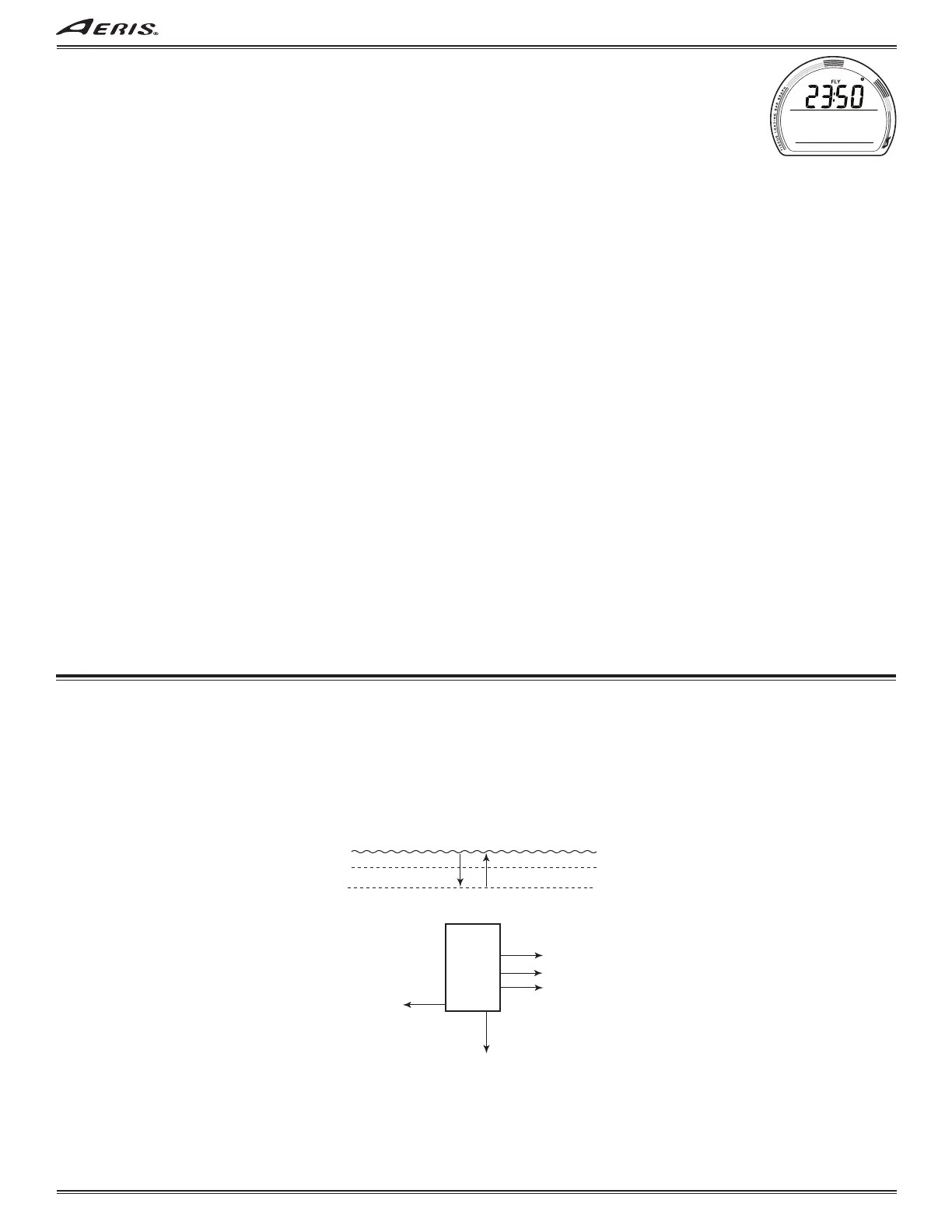
FLY, information includes (Fig. 98):
> Time to Fly countdown (hr:min) with FLY and clock (time) icons, dashes if no dive yet.
• A (< 2 sec) to step forward to Log Lead-in.
• M (< 2 sec) to step back to ALT 2.
• 2 minutes, or M (2 sec), revert to Main.
• S (press) to activate Backlight.
LOG - shared with NORM/TECH (see page 12).
GAUG SET GROUPS - similar to NORM/TECH (see page 13).
Sequence >> Set Lead-in >> Set OP MOD >> Set ALM >> Set UTL >> Set TME.
> GAUG does not access Set Gas (FO2).
SET GROUP LEAD-IN, information includes (similar to Fig. 23):
> Graphics Go To SET.
• S (< 2 sec) to access Set OP MOD Lead-in.
• A (< 2 sec) to step forward to History.
• M (< 2 sec) to step back to Log Lead-in.
• 2 minutes, or M (2 sec), revert to Main.
SET OP MOD (Mode) - shared with NORM/TECH (see page 13).
SET ALM (Alarms) - shared with NORM/TECH (see page 15); no TLBG or DTR.
SET UTL (Utilities) - shared with NORM/TECH (see page 16); no DS, SS, Algorithm, or CF.
SET TME (Time/Date) - shared with NORM/TECH (see page 18).
HISTORY - shared with NORM/TECH (see page 20).
ID-SN - same as NORM/TECH (see page 20).
Fig. 98 - FLY
GAUG DIVE MODE STRUCTURE
M
S
A
< 2 sec
< 2 sec
Light (Smartglo)
ALTs
at 5 FT (1.5 M) for 5 sec
at 2 FT (0.6 M) for 1 sec
Start/Stop Timer
Reset Timer
2 sec
Interchange EDT
& Run Timer on
Main & ALT
2 sec
press



 To Next Page