41
A300/A300 XT OPERATING MANUAL
© 2002 Design, 2012 Doc. No. 12-7255-r01 (5/14/12)
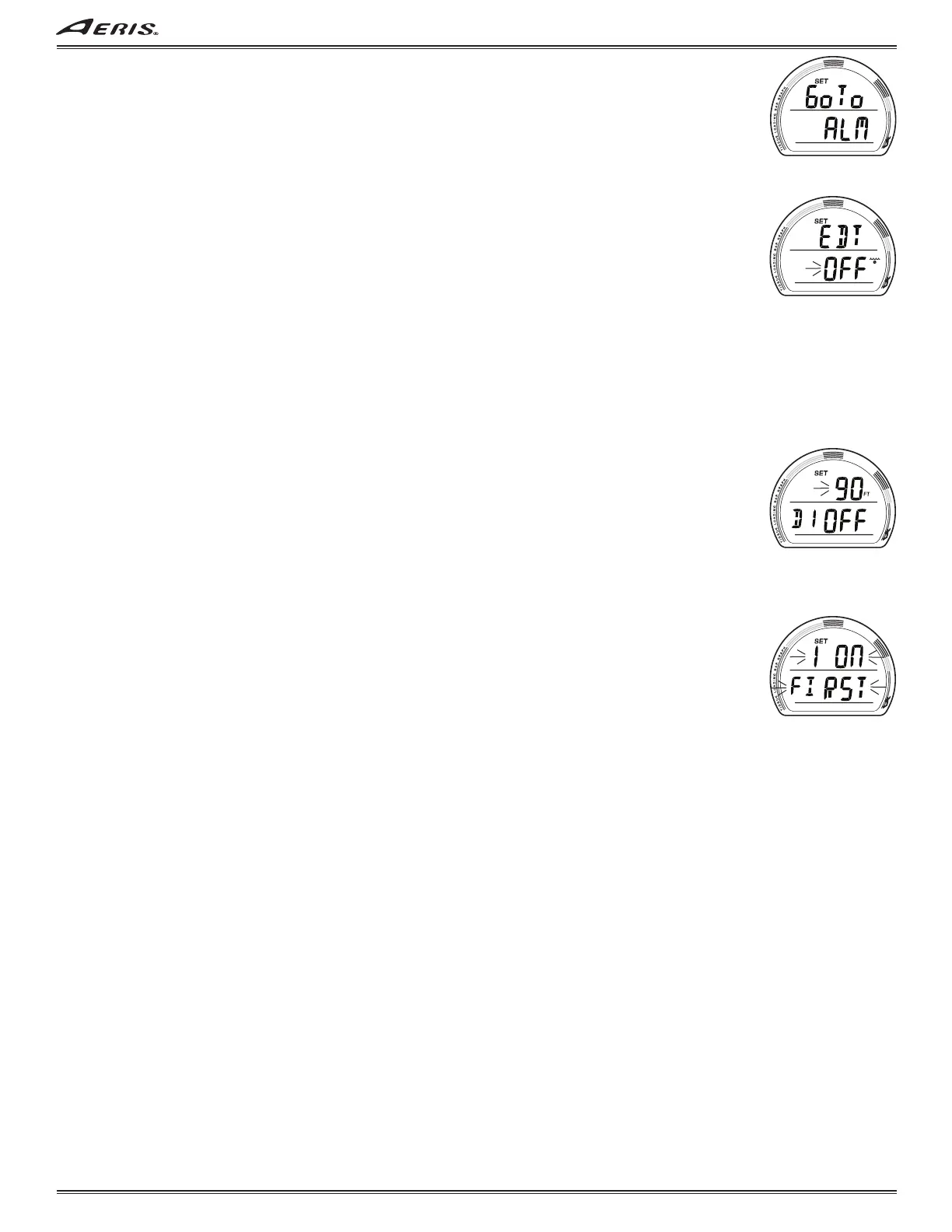
SET ALM (ALARMS) LEAD-IN, information is to include (Fig. 109):
> Graphics Go To and ALM with SET icon.
• S (< 2 sec) to access Set EDT Alarm.
• A (< 2 sec) to step forward to Set UTL Lead-in.
• M (< 2 sec) to step back to Set CDT Lead-in.
• 2 minutes, or M (2 sec), revert to Main.
SET EDT ALARM, information is to include (Fig. 110):
The FREE mode EDT Alarm is factory set for 30 seconds. When set ON, the Alarm will sound every 30 seconds while operating
underwater in FREE Dive Mode.
> Graphic EDT with SET icon.
> Graphic OFF (or ON) flashing with wave/clock (EDT) icon.
• A or M (< 2 sec) to toggle between OFF and ON.
• S (< 2 sec) to save the setting and access Set D1.
• S (2 sec), if the setting is not changed, to revert to Set ALM Lead-in.
• 2 minutes, or M (2 sec), revert to Main.
DEPTH ALARMS
FREE mode features 3 Depth Alarms that can be set at progressively deeper depths. It is programmed to prevent Depth 2 from
being set at values equal or shallower than the setting for Depth 1 and Depth 3 from being set at values equal or shallower than
the setting for Depth 2.
SET DEPTH ALARM 1 (2, 3), information is to include (Fig. 111):
> Graphic D1 (D2, D3) with SET icon.
> Graphic OFF, or ON, flashing, with Depth value last set and FT (or M) icon.
• A (< 2 sec) to step upward through the selections of OFF, ON, and SET.
• M (< 2 sec) to step back through the selections.
• S (< 2 sec) to save the selection and access Set Depth Alarm 2 if OFF or ON is saved, or flash the Depth digits if SET is
saved.
• S (2 sec), if the selection is not changed, to step back to Set EDT Alarm.
• 2 minutes, or M (2 sec), revert to Main.
If SET is saved and the Depth digits are flashing -
• A (hold) to scroll upward through the Set Points from 30 through 330 FT (10 to 100 M) in 10 FT (1 M) increments at 8/
sec.
• A (< 2 sec) to step upward through the Set Point.
• M (< 2 sec) to step back through the Set Points.
• S (< 2 sec) to save the Depth value (solid) and flash the graphic SET, allowing ON or OFF to be selected.
Setting D2 (D3) Alarms are similar with their Set Points beginning 1 increment > the D1 (D2) Alarm setting. If D1 (or D2) is set
OFF, the message SET 1 (or 2) ON FIRST will be displayed flashing for 5 seconds (Fig. 112) when an attempt is made to set D2
(or D3) ON while D1 (or D2) is OFF.
HISTORY - shared with NORM/TECH (see page 20).
ID-SN - same as NORM/TECH (see page 20).
Fig. 109 - SET CDT
Fig. 110 - SET EDT ALARM
Fig. 111 - SET DEPTH
ALARM
Fig. 112 - SET DEPTH
ALARM MESSAGE



 To Next Page