20
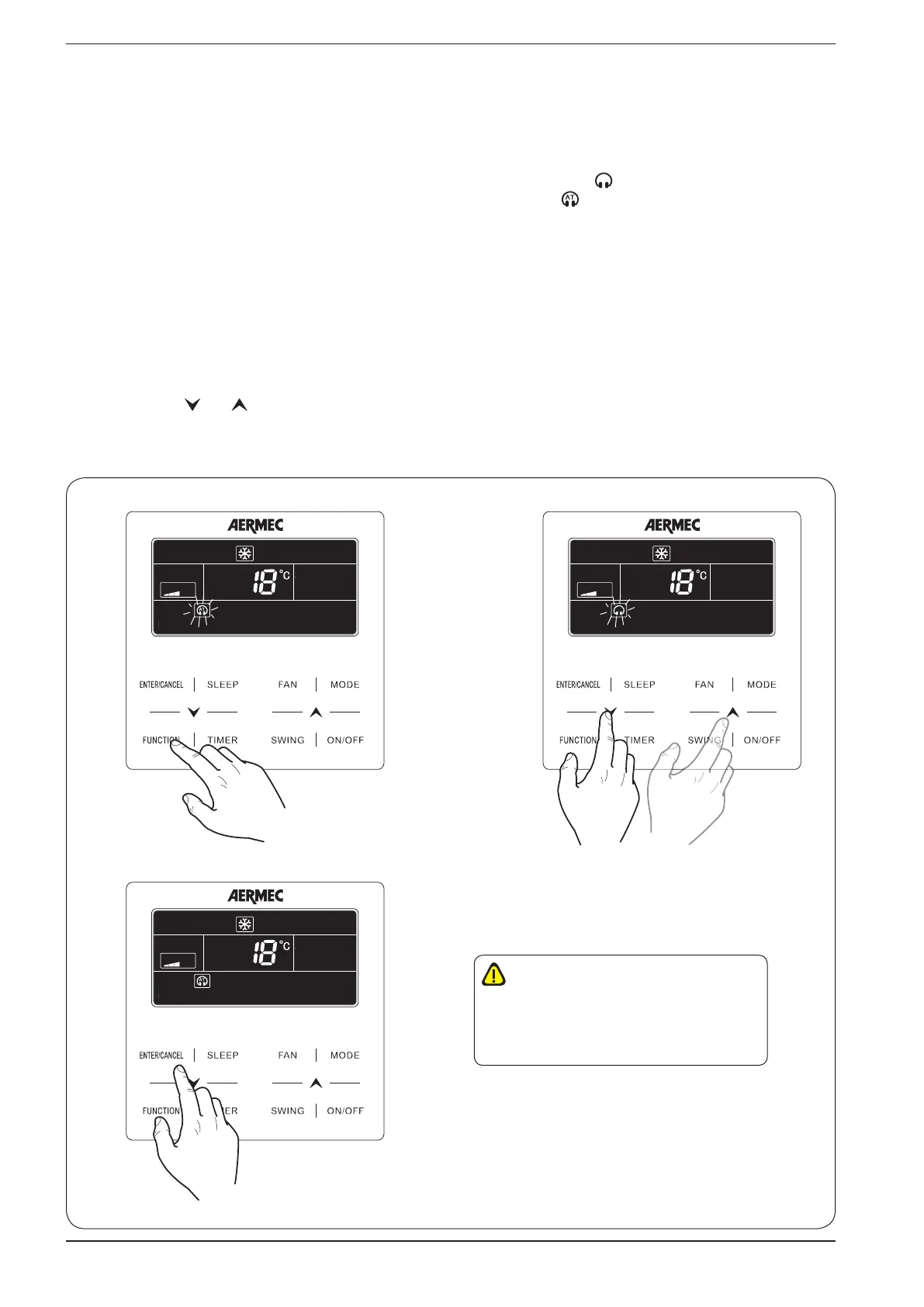
Set QUIET function (reduces the noise generated by the indoor unit):
The system envisages two different types of operation: “QUIET” and “AUTO QUIET”, which differ in terms of the logic they use
to manage fan speed. To set this function, perform the following operations:
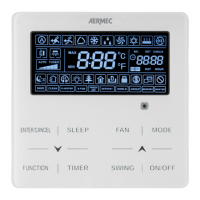
(1) Press the “FUNCTION” button until one of the “QUIET” function icons is displayed ( ); this function directly sets fan
speed to minimum, thereby ensuring the least noise possible; or “AUTO QUIET“ ( ); this function manages fan speed in
relation to the difference between indoor temperature and the operating setting, in accordance with the following Cooling
conditions:
• If the indoor air Temperature is higher than the setting temperature + 2°C, MEDIUM speed will be set;
• If the indoor air Temperature is lower or equal to the setting temperature + 2°C, MINIMUM speed will be set;
Or Heating conditions:
• If the indoor air Temperature is lower than the setting temperature -2°C, MEDIUM speed will be set;
• If the indoor air Temperature is higher than the setting temperature -2°C, MINIMUM speed will be set;
at this stage, the selected icon will begin to flash, indicating that the chosen low noise function mode selected is active;
(2) press buttons ( ) or ( )
respectively to switch from “QUIET” to “AUTO QUIET” function;
(3) press the “ENTER/CANCEL” button again to activate the selected function;
(1) (2)
(3)
WARNING: to disacvate this funcon,
press the “FUNCTION” buon unl the
funcon to be cancelled is selected and then
press the “ENTER/CANCEL“ buon


 To Next Page