AutoTest Sytem Operation
Subject to Export Control, see Cover Page for details.
5-5
Storing Results
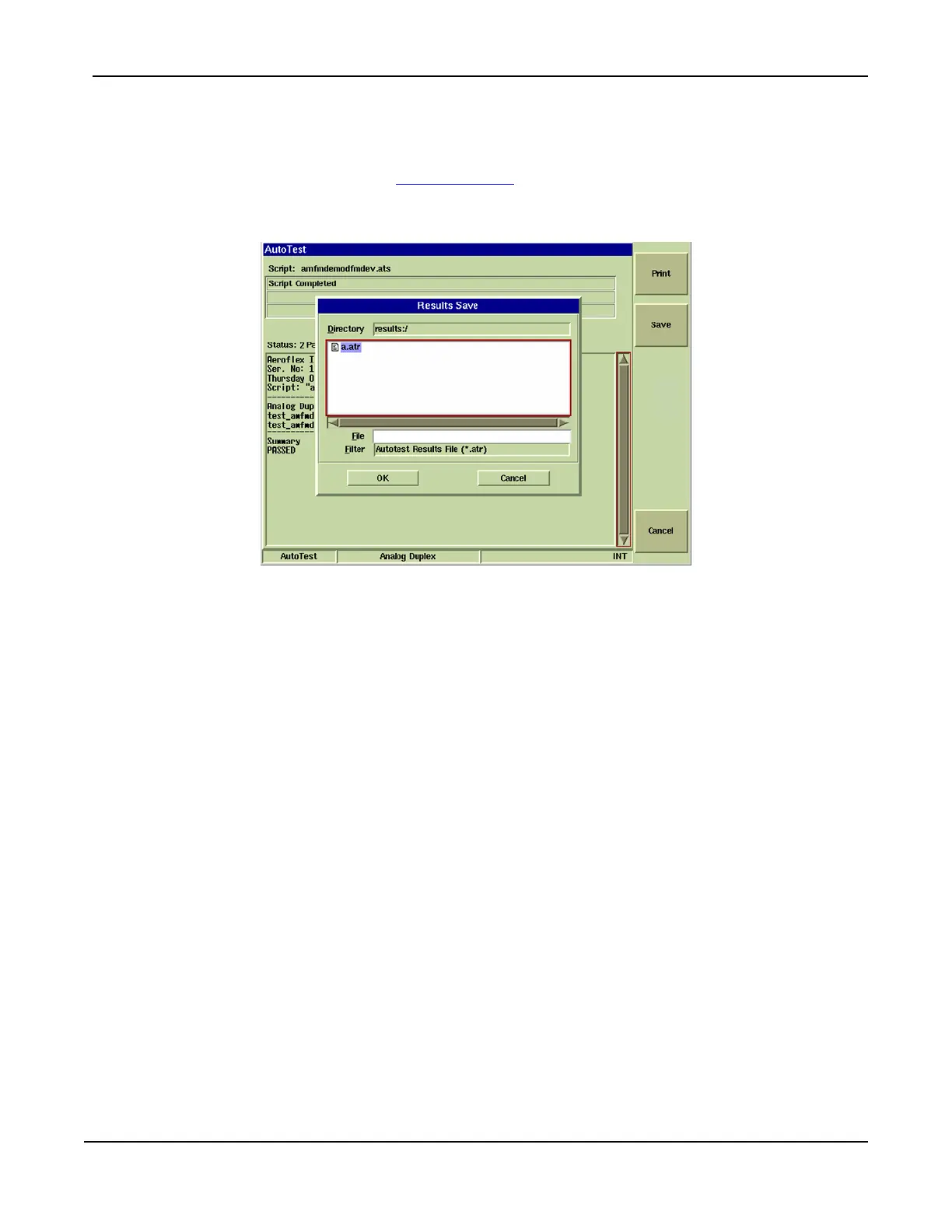
To store test results:
1. When test is complete, select [Save] Soft Key
.
2. When dialog box opens, enter file name in the File field.
3. Press OK to save file.
Fig. 5-5 AutoTest - Results Save As Dialog Box
Stored results are exported to USB memory or floppy disk via UTILS/File Management/AutoTest/
Results. A PC reads these files using Microsoft ® WordPad or Word. If read by Microsoft ®
Notepad, the line terminators can confuse the presentation.
Importing Results Files
AutoTest results files can be imported to the Test Set from a USB memory device or floppy disk. To
import results files use the following key sequence:
UTILS/File Management/AutoTest/Results
Result Files are displayed in AutoTest by pressing the [Results] soft key.













 To Next Page