Test Set Operation
Subject to Export Control, see Cover Page for details.
3-40
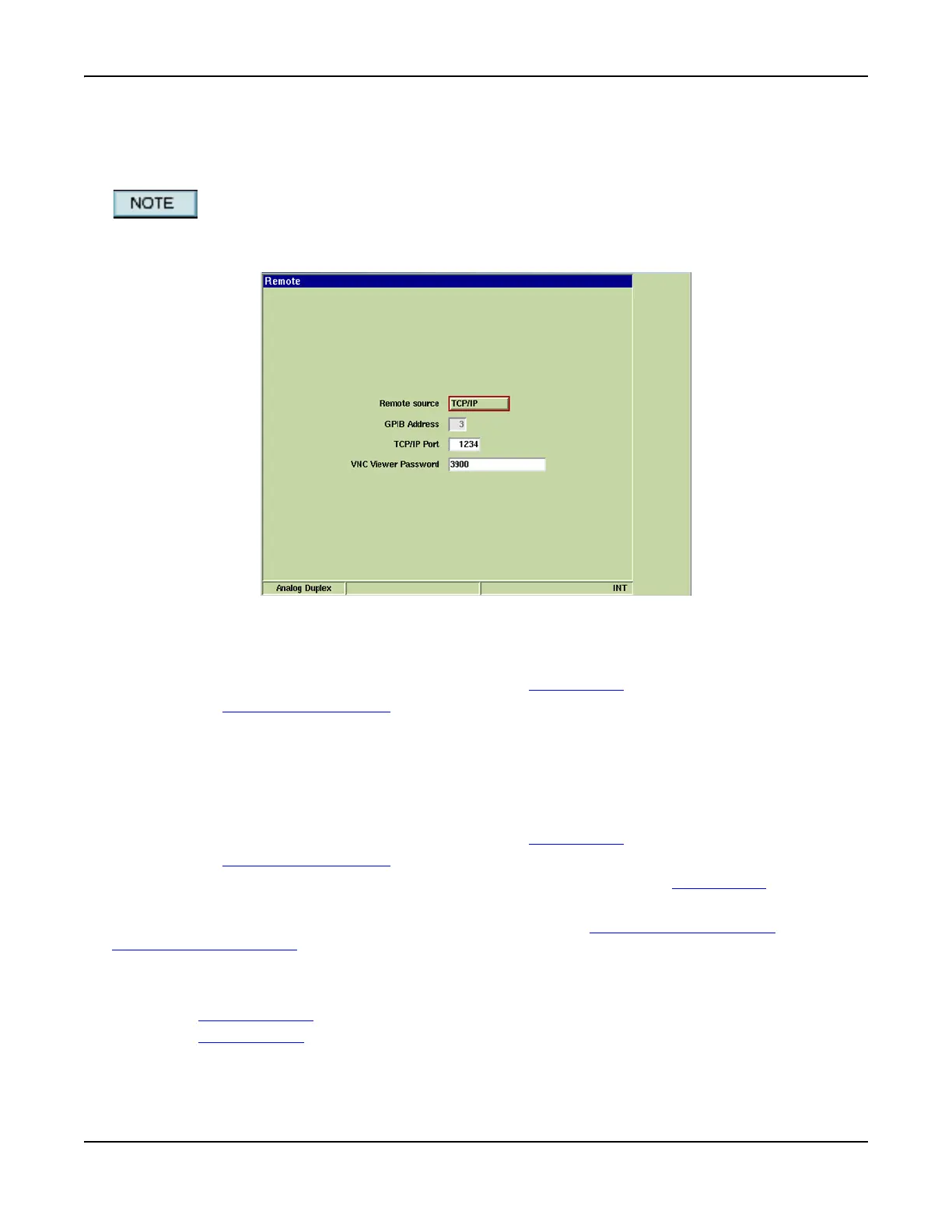
Remote Tile
The Remote Tile allows users to set the remote source for accessing the Test Set using an external
controller.
If Test Set is operating behind a network fire wall, Ports 5800 and 5900 must be opened for
proper VNC operation. Contact your IT Department for proper network configuration.
Fig. 3-39 UTILS Remote Tile
Access Test Set via Internet Browser (GUI Operation)
To access Test Set via Internet browser:
1. Configure Test Set for network access (refer to Network Tile
).
2. Define VNC Viewer Password
field on Remote Tile.
3. Open Internet browser and enter Test Set’s IP address, followed by :5800
(e.g. http://12.345.678.910:5800).
4. Enter password (as defined in VNC Viewer Password field) at prompt.
Access Test Set via VNC Connection (GUI Operation)
To access Test Set via VNC Connection:
1. Configure Test Set for network access (refer to Network Tile
).
2. Define VNC Viewer Password
field on Remote Tile.
3. Open VNC Client and enter Test Set IP Address (as configured on Network Tile
).
4. Enter password (as defined in VNC Viewer Password field) at prompt.
For more information, including downloading a VNC client see http://www.realvnc.com/
or
http://www.tightvnc.com/
.
Access Test Set via GPIB Connection (RCI Operation)
To access Test Set via GPIB Connection:
1. Set Remote Source
field on Remote Tile to GPIB.
2. Set GPIB Address
on Test Set.













 To Next Page