AutoTest Sytem Operation
Subject to Export Control, see Cover Page for details.
5-3
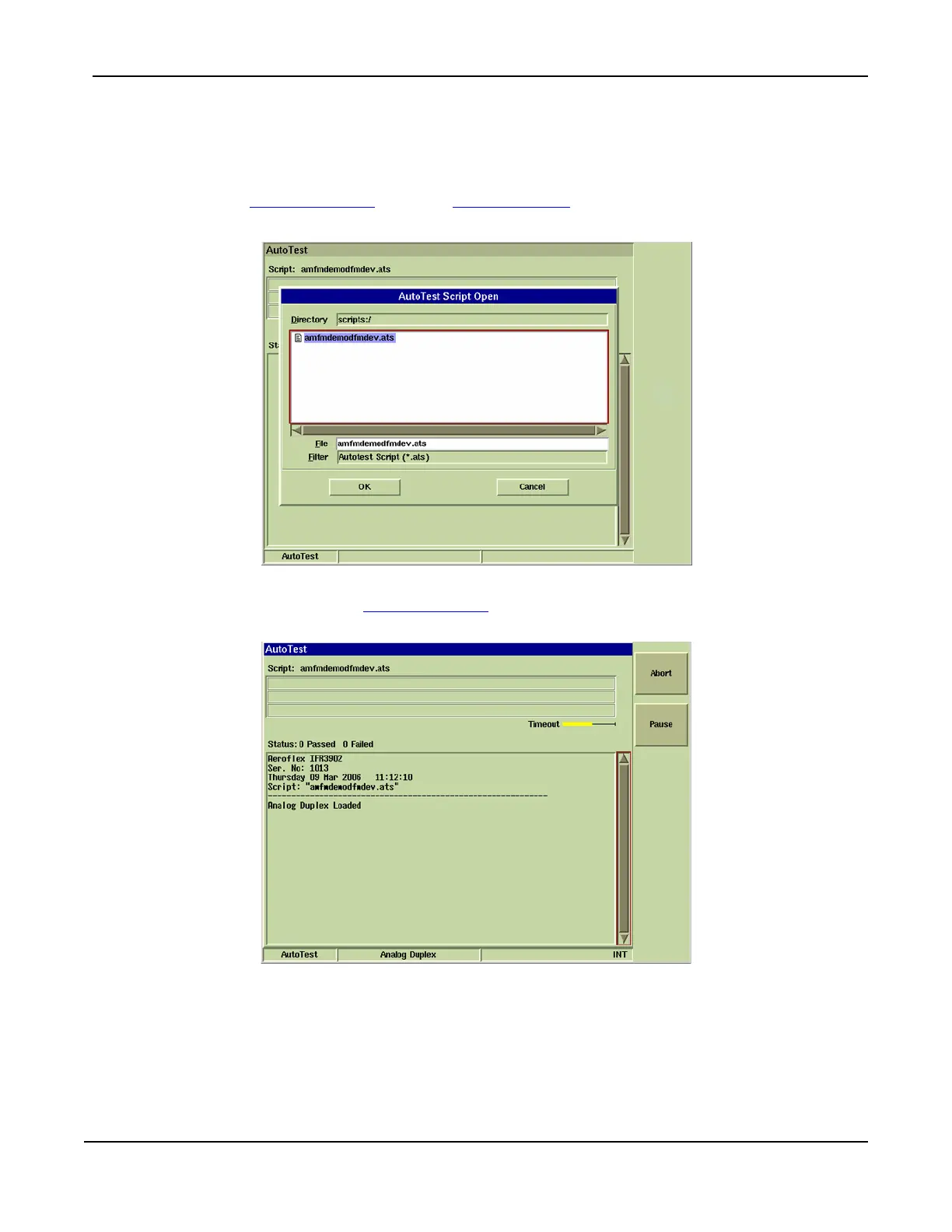
Running an AutoTest Script
To run an AutoTest script:
1. Load AutoTest System.
2. Select the [Script] Soft Key, then the [Load] Soft Key.
3. Highlight and select the desired script and press OK.
Fig. 5-2 AutoTest Load Dialog Box
4. After screen loads, press [Script] Soft Key
to begin test. Fig. 5-3 shows an example of the
AutoTest Tile with a test in progress.
Fig. 5-3 AutoTest - Test in Progress













 To Next Page