Subject to Export Control, see Cover Page for details. 2-33
2-4-2. INSTALL/REMOVE LICENSE (cont)
Install License (cont)
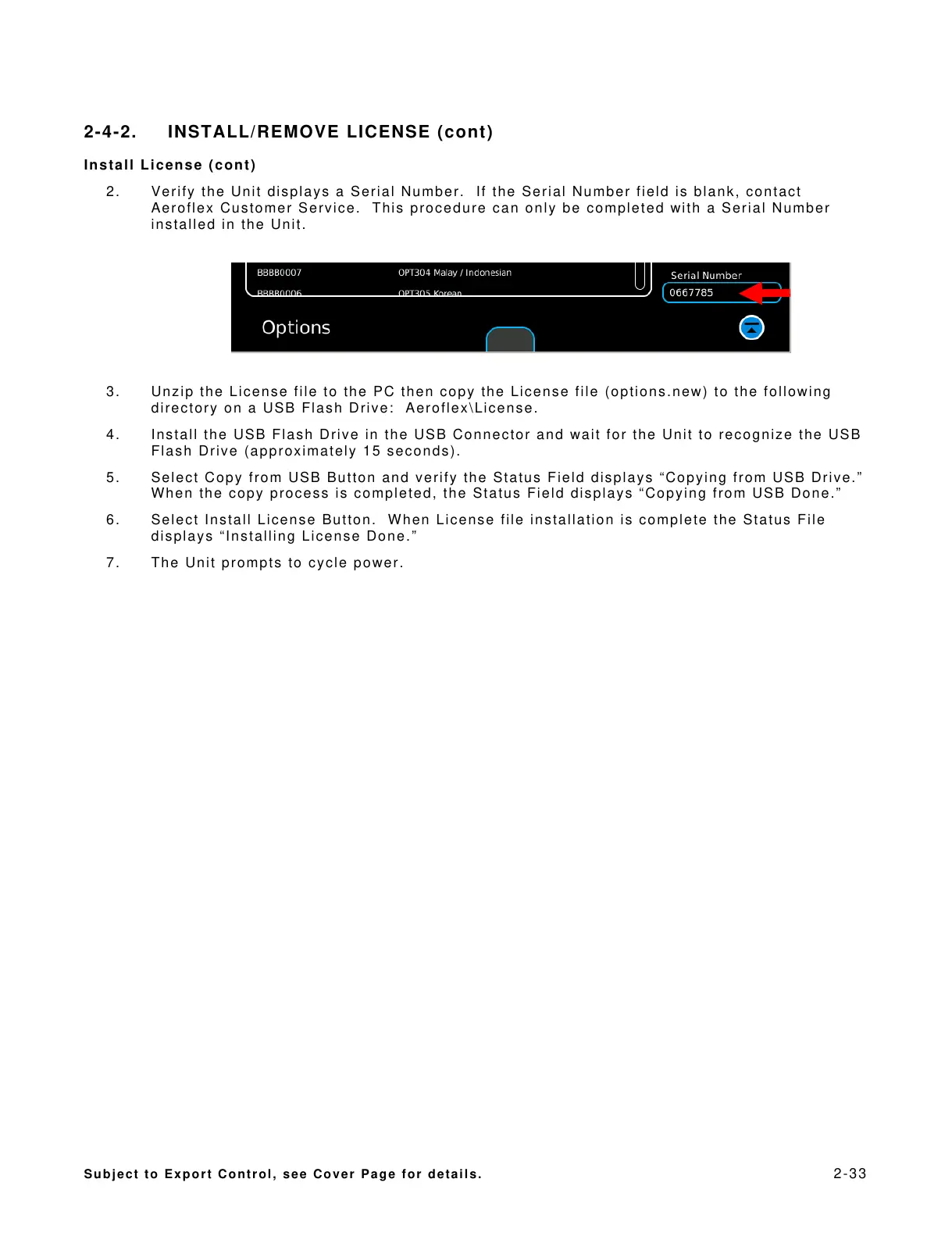
2. Verify the Unit displays a Serial Number. If the Serial Number field is blank, contact
Aeroflex Customer Service. This procedure can only be completed with a Serial Number
installed in the Unit.
3. Unzip the License file to the PC then copy the License file (options.new) to the following
directory on a USB Flash Drive: Aeroflex\License.
4. Install the USB Flash Drive in the USB Connector and wait for the Unit to recognize the USB
Flash Drive (approximately 15 seconds).
5. Select Copy from USB Button and verify the Status Field displays “Copying from USB Drive.”
When the copy process is completed, the Status Field displays “Copying from USB Done.”
6. Select Install License Button. When License file installation is complete the Status File
displays “Installing License Done.”
7. The Unit prompts to cycle power.













 To Next Page