Subject to Export Control, see Cover Page for details. 2-35
2-4-2. INSTALL/REMOVE LICENSE (cont)
Remove License (cont)
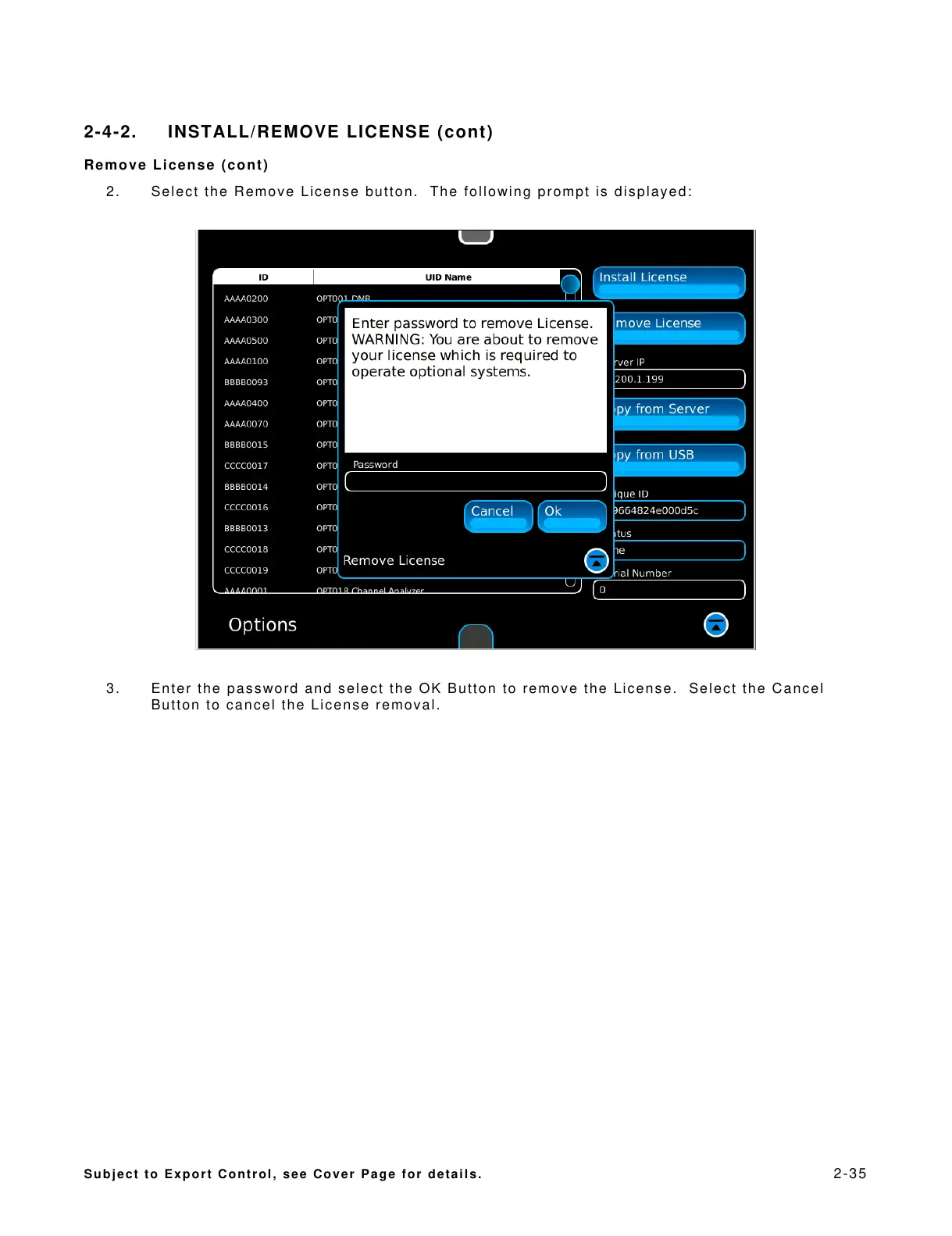
2. Select the Remove License button. The following prompt is displayed:
3. Enter the password and select the OK Button to remove the License. Select the Cancel
Button to cancel the License removal.













 To Next Page