EasyManua.ls Logo

AES Prime 6E - Panel Mounting Options; Architectural & Hooded Panels Installation; Flush Panels Installation; SIM Card Insertion

AES Prime 6E
34 pages
Print Icon
To Next Page IconTo Next Page
To Previous Page IconTo Previous Page
Loading...
P a g e | 4
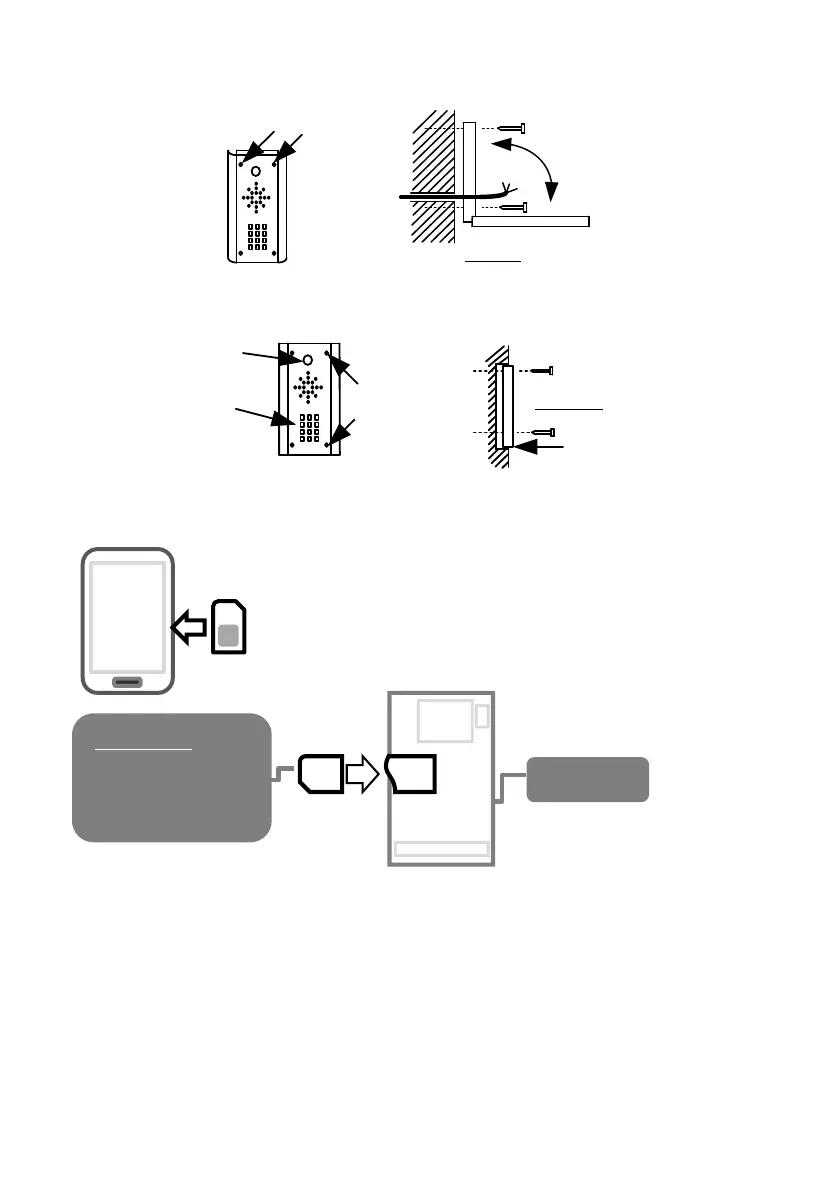
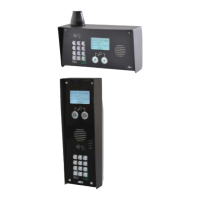
Architectural & Hooded Panels
Loosen top 2 screws only
Hinge front door
Side View
Flush Panels
Call Button
Optional keypad
module
Remove
Side View
Flush with surface
Tip: Use appropriate fixings to ensure the intercom cannot be removed from the wall.
Inserting the SIM card
Please ensure the SIM card is a 2G compatible Micro SIM card. The
SIM may also be 3G and 4G capable as well, as long as both the
SIM and the network also support 2G. Do not use a SIM card for a
tablet, as these only support data, and do not support voice and
SMS. You simply require a mobile phone type SIM card.

SIM
GSM Board
POWER OFF
45 chamfer OUT.
Copper pads DOWN.
Press until “Click”.

Related product manuals