Stay ahead. With Agfa Global Services. :Anapurna M4F - Operator Manual
Operations-Makingyourrstprint 11
B. OPERATIONS.
1.Makingyourrstprint.
1.1 Wasatch SoftRIP: setting up your image.
Start up the WasatchRIP by double clicking the shortcut icon on the desktop or
by choosing: start, programs, Wasatch SoftRIP on the Windows RIP pc.
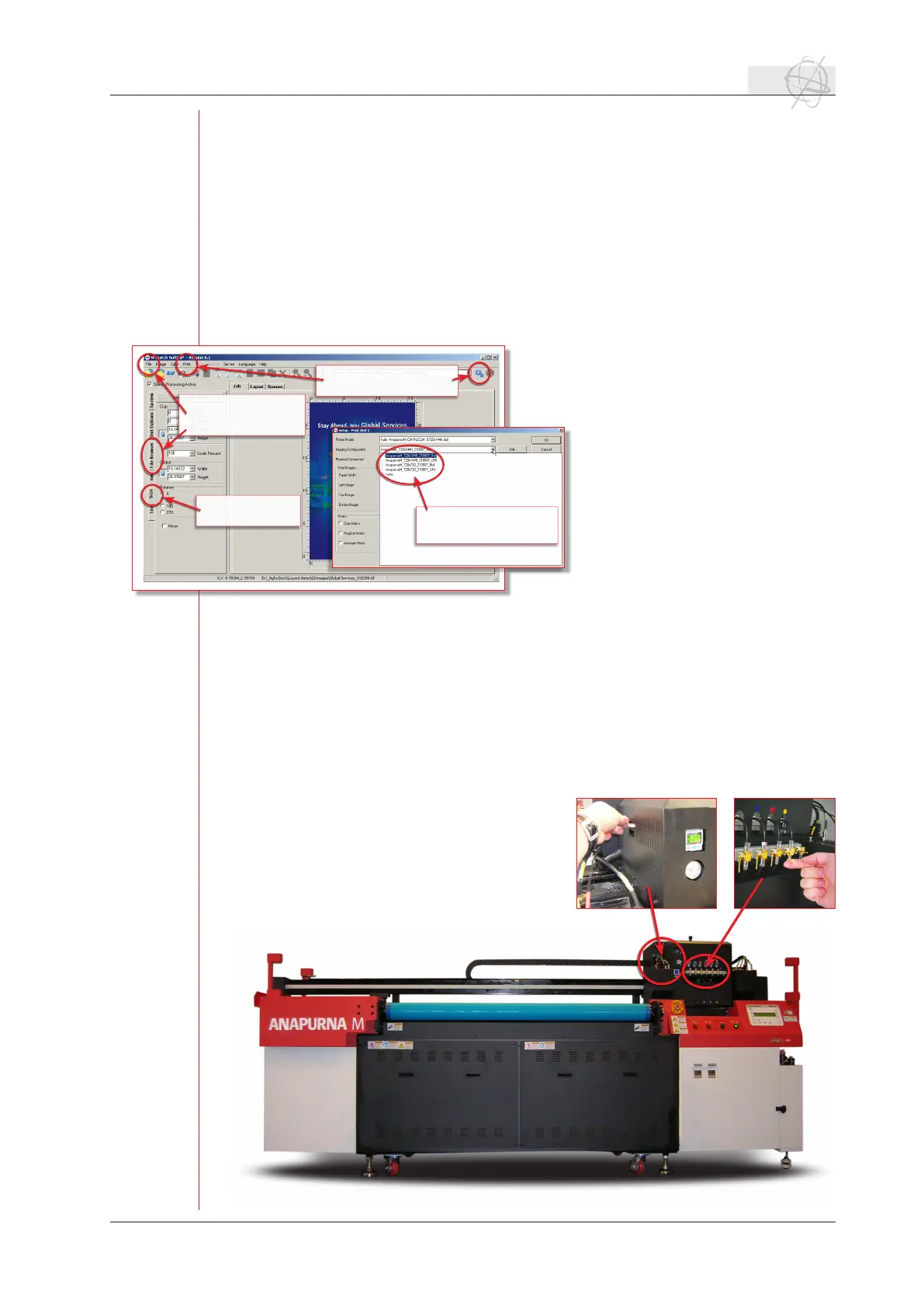
Open your image via the le menu and the command ‘open’ or via the le
browsertabontheleftsideofthemainwindow.Ifyouusethelebrowsertab,
you can easily drag and drop the selected image onto the preview part of the
main window.
Makesurethattheoutputsizets
on your media. You can check and
alter the dimensions of your print,
using the “size” tab on the left side
of the main window.
Select the resolution of the print
in the Setup window. You can ac-
cess this via the print menu or via
the setup icon behind the print unit
on top right side of the main win-
dow. Agfa is suporting two quality
modes: 720x720 dpi or 720x1440
dpi.
Close the setup window and choose
the rip icon on the main window or
via “rip only” in the print menu.
The image will be ripped and it will
be placed in the print queue.
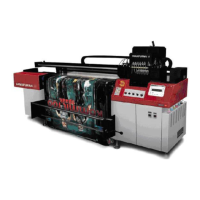
1.2 Starting up the :Anapurna M4F.
When the :Anapurna M4F is in a normal shutdown mode (overnight standstill), the
shuttle will be stationed on the right side (home position).
Unlocktheemergencyswitches:youndthee-switchesontherightsideofthe
engine. One at the back and one in the front, release by turning them.
Push the start button;While the shuttle starts rising to its most upwards posi-
tion, the display will show you some information about the :Anapurna M4F (soft-
ware version,etc.).
When the shuttle is lifted, it checks its
home position and lowers itself to a
default height. The engine goes to the
ofinemode.
Selecting a print quality
in the setup menu.
Opening an image via:
- menu / open
-lebrowser.
Resize the image
using the size tab.
Select one of the imaging
congurations.


 To Next Page