Stay ahead. With Agfa Global Services. :Anapurna M4F - Operator Manual
Operations - Changing the parameters 29
6.2 Function keys. (parameters)
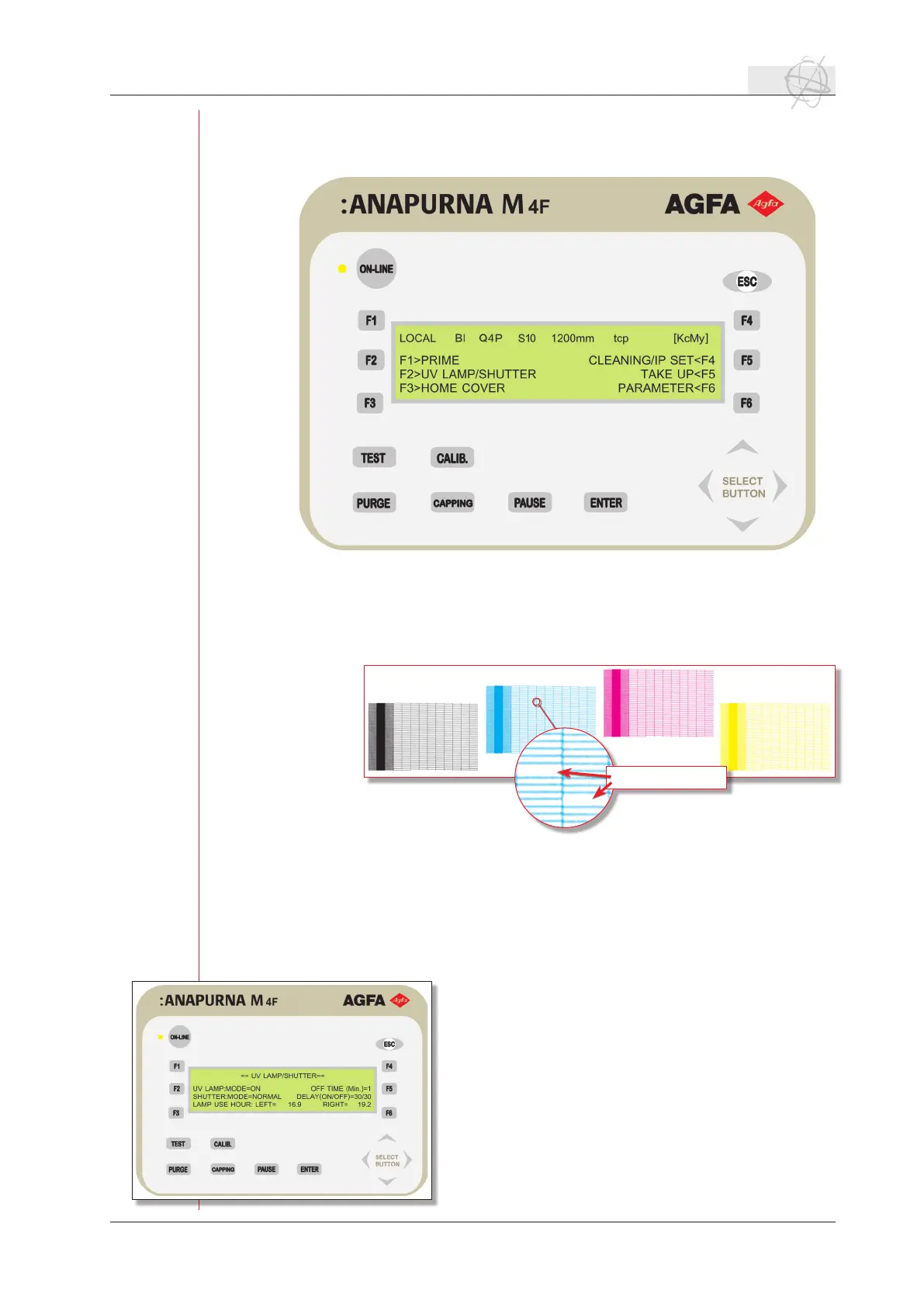
The main menu gives you access to 6 features via the 6 function keys.
F1 > Prime
Thisprimetestisthebestwaytocheckifallthenozzlesarering.Bypressing
F1, a warm up time for the u.v. lamps will be initiated when the lamps are not
already online. The testchart looks like a fence per color. You can immediately
see if one or more nozzles are missing.
Make sure that a left margin (p.32) is set before you do a prime test. You can also
use other test charts to check the condition of the print heads (p.37).
F2 > UV LAMP / SHUTTER
By pressing F2, you enter the panel which controls the u.v. lamps settings. The
bottom line shows you the burning hours of the u.v. lamps. This counter can be
resetted only by a service engineer. The other settings can be changed by using
the arrows on the control panel. Pressing left or right
will make the cursor move between the different pa-
rameters. Pressing up or down will change the value of
that one setting. You can change these paramters:
UV LAMP: MODE= ON (default) / OFF
If ON has been selected for this mode, the lamps will
come online when a print is started. If set to off, the
print will start without turning the lamps on.
SHUTTER: MODE= NORMAL (default) / BOTH
Changing the value from normal to both, will change
the timing of the shutters. If “both” is selected, both
shutters will open at the same time. The printer will
missing nozzles
size test chart: 26 x 6 cm


 To Next Page