Stay ahead. With Agfa Global Services. :Anapurna M4F - Operator Manual
Operations - The Wasatch SoftRIP 13
2. The Wasatch SoftRIP AE.
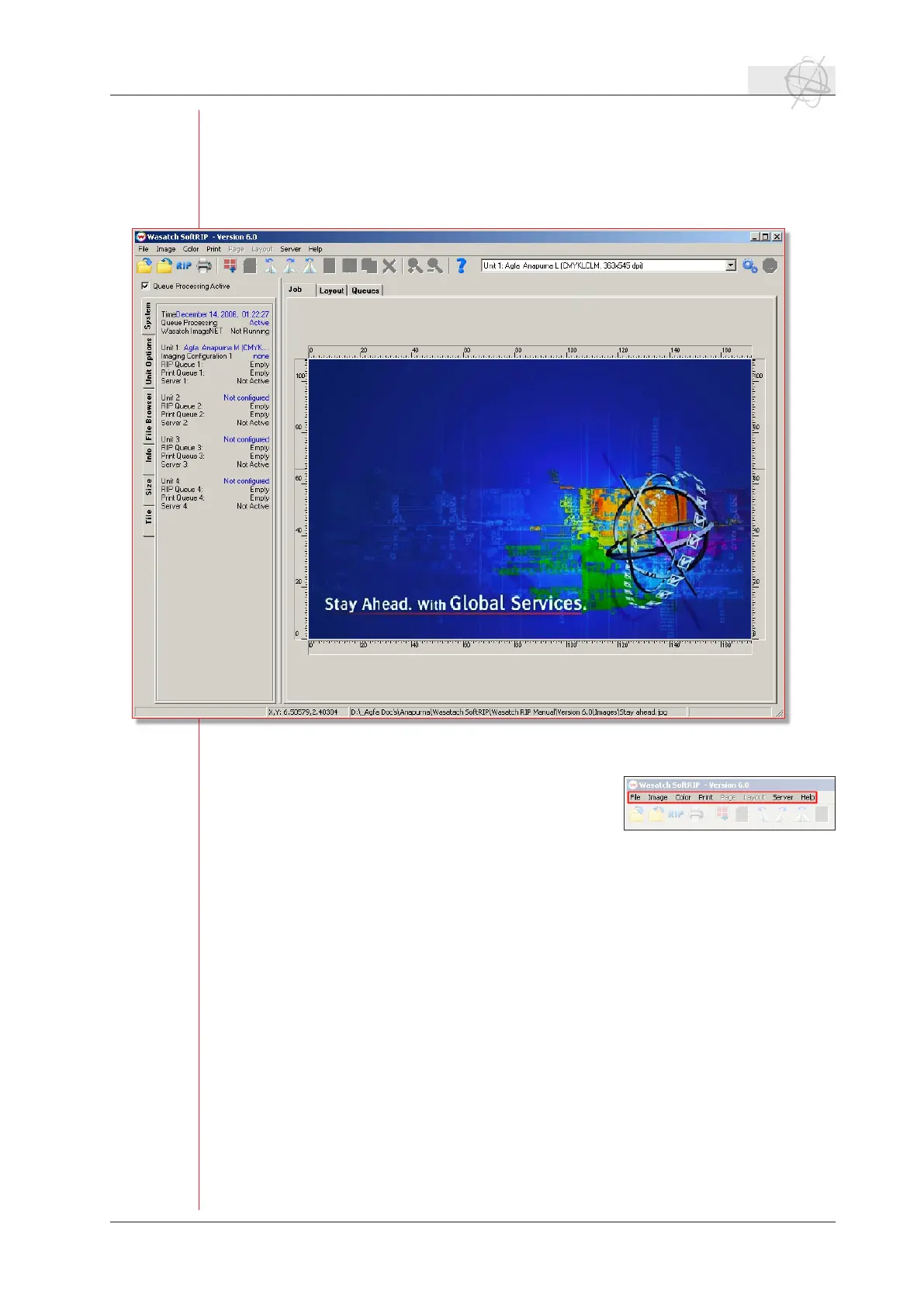
2.1 Main Window - overview.
SoftRIP’s Main Screen is briey described below. These menus and controls are co-
vered in more detail in the wasatch manual.
a. Menu items.
File: Use the File menu for opening les
saved on disk or network. Files opened
here are automatically displayed as
screen previews when the Job tab is
active, or imported to the current layout when the Layout tab is active.
This menu also provides access to the Print Archive tool, and the Prefer-
ences window for changing optional settings.
Image: The Image menu contains tools for modifying the image currently open
in the Job tab, or currently selected in the Layout tab.
Color: The Color menu contains key SoftRIP color tools for managing spot col-
ors, color gamut, correction curves etc.
Print: AccesstoprinterandImagingCongurationsetup,RIP/processingop-
tions and job queues.
Page: When active, enables switching among different pages of a multi-page
PostScriptle.
Layout: The Layout menu accesses automated Smart NestingTM tools, and other
featurestospeedtheprocessofcreatingefcientlayouts.
Server: Set up and activation for Hot Folders and Wasatch ImageNET.
Language: When enabled, the Language menu selects among non-English lan-
guages.
Help: Accesses online Help, program info, Service Data Uploader and online
product registration.



 To Next Page