AgfaPhoto Compact 104
18
Changing the LCD Monitor Display
The type of information displayed on the LCD monitor can be changed using the button. Press
the button repeatedly to change the LCD display from one type to another. In Photo/Movie
Mode, the LCD display can be changed into any of the following:
• Basic
• Full
• None
• Guideline
• Help screen
• The OSD information may vary depending on the record mode type.
• The following icons, if enabled, are still displayed on the LCD even when OSD
off or Guide lines on: AEB, Face tracking, AF lamp, Drive mode, and Macro.
• Use the "Guide lines" to properly set image for capture.
In Playback mode, the LCD display can be changed into any of the following:
• Basic
• Full
• None
• Help screen
LCD display cannot be changed in the following situations:
• Manual exposure mode
• Recording video or audio clips
• Playing video or audio clips
• Playing slideshow
Recording Images, Videos and Voices
Taking Images
Now that you are familiar with your camera, you are now ready to take your images. Taking images
with your camera is very simple.
1. Turn on the camera by pressing the Power button.
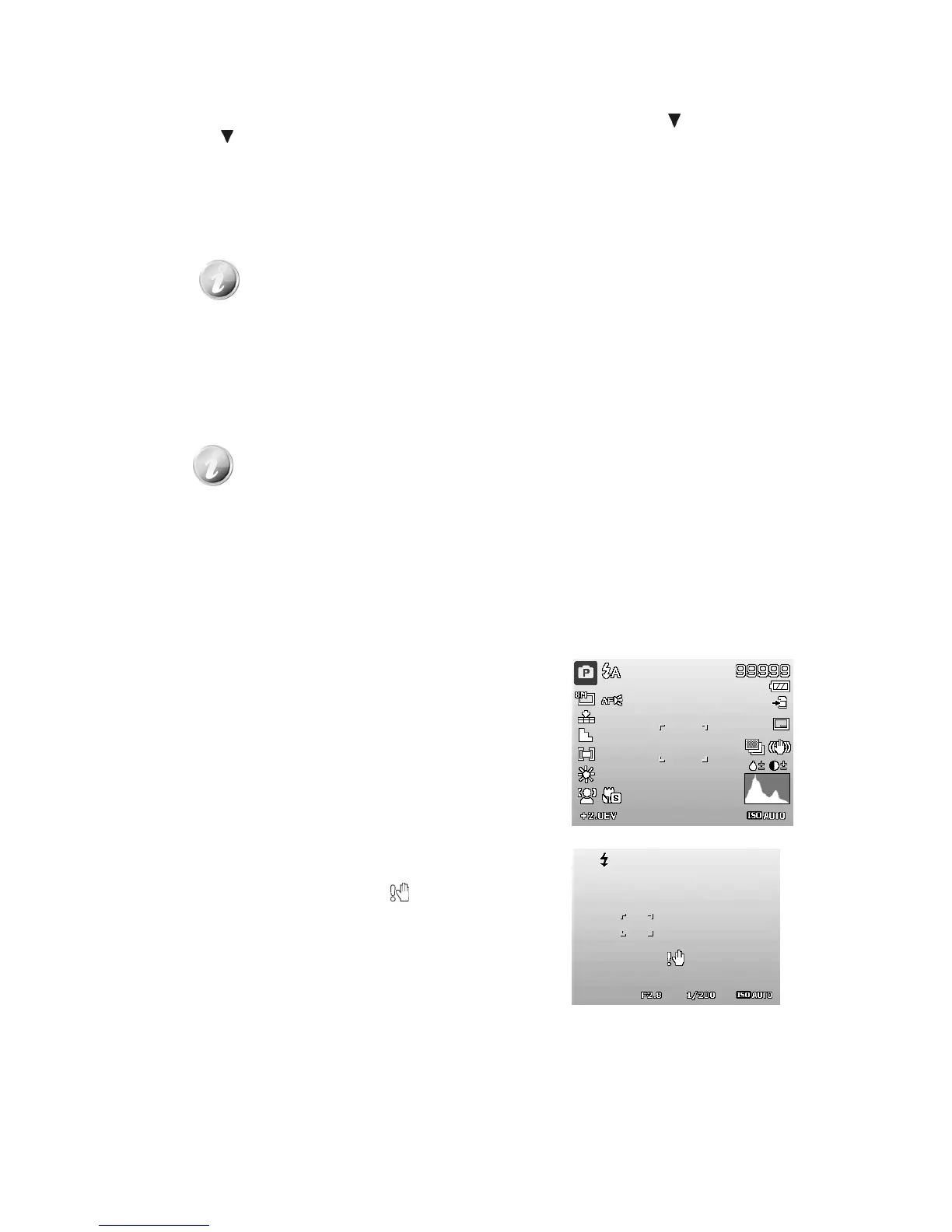
2. Frame the shot using the focus bracket on the LCD
monitor. See illustration on the right.
3. Pressing the Shutter button down halfway
automatically focuses and adjusts the exposure, and
pressing the Shutter button down fully captures the
images.
When the shake warning icon appears, hold the
camera steadily, with your arms at your side or use a tripod
to stabilize the camera to prevent blurred images.













 To Next Page